


Full-Motion Heavy-Duty TV Wall Mount with Smart Control for 42"-90" TVs | S01
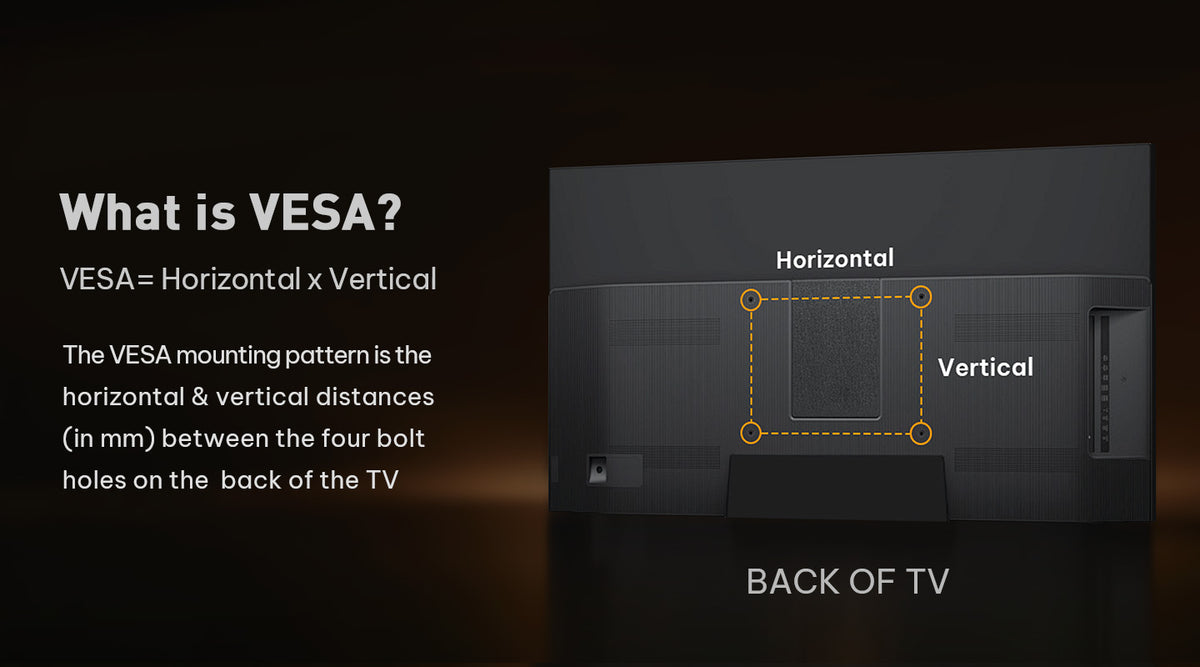
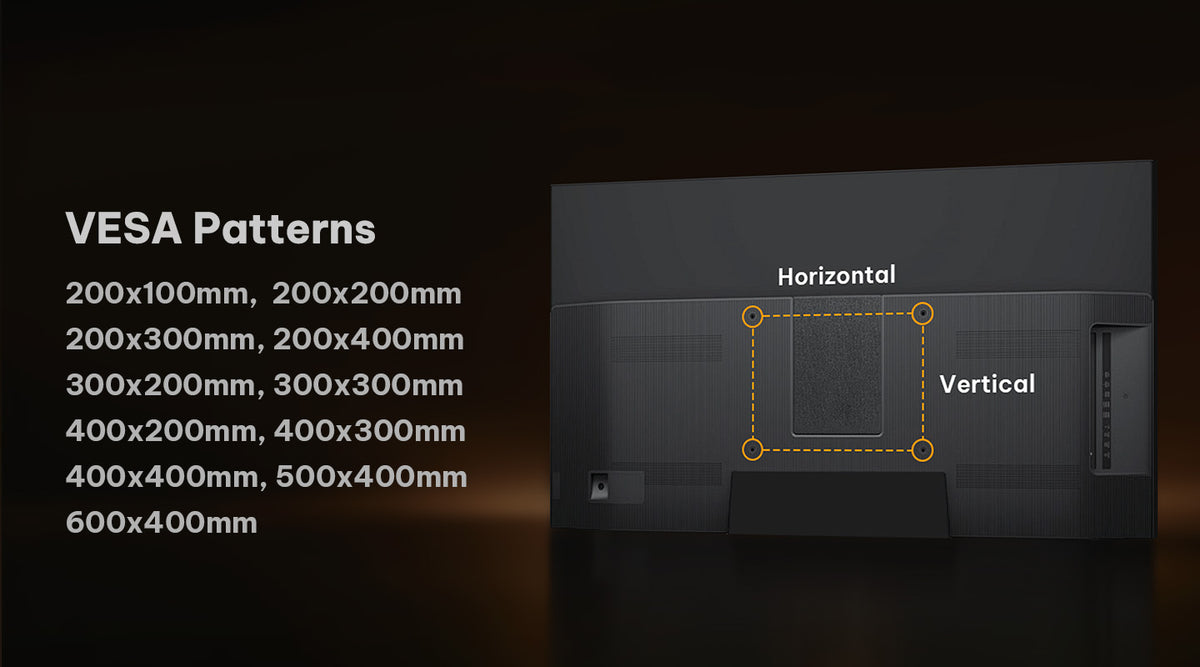
- VESA Range 200x100-600x400mm
- Fits TVs 42"-90"
- Tilt +5°/-15°
- Swivel +/-65°
- Weight Capacity 150 lbs
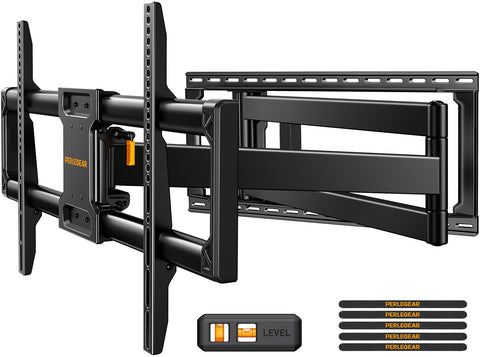
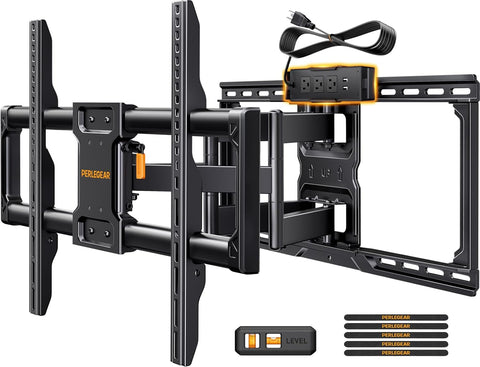
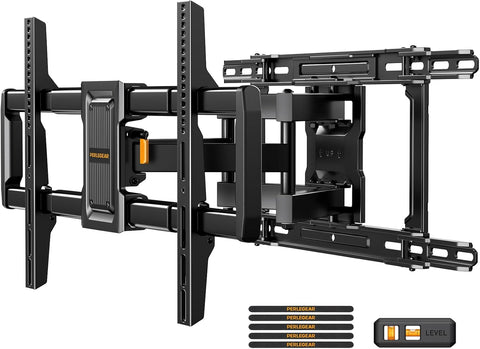
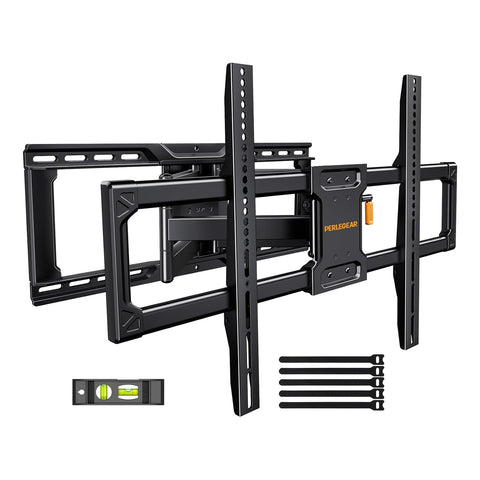
- Full Motion Viewing: PGLF34B-US offers +5°/-15° tilt, +/-65° swivel, and +/-3° post-install leveling for the best viewing angle.
- Low-Profile & Extendable: Extends from {profile} to {extension} for a clean look and flexible positioning.
- Better Viewing, Less Glare: Adjust your TV for multiple seating areas and reduce glare from windows or lights.
- Easy Installation: Includes an instruction manual and standard mounting hardware.
- Reliable Support: Backed by a 5-year limited warranty, 2 years for electronic components, and professional US-based support.


Maximum Stability
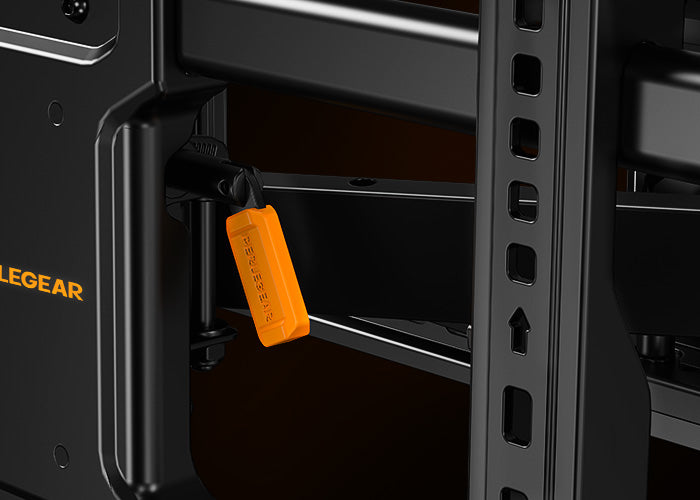
Easy Tilt Adjustment
Use the orange handle to quickly adjust the TV tilt and find a comfortable viewing angle with ease.
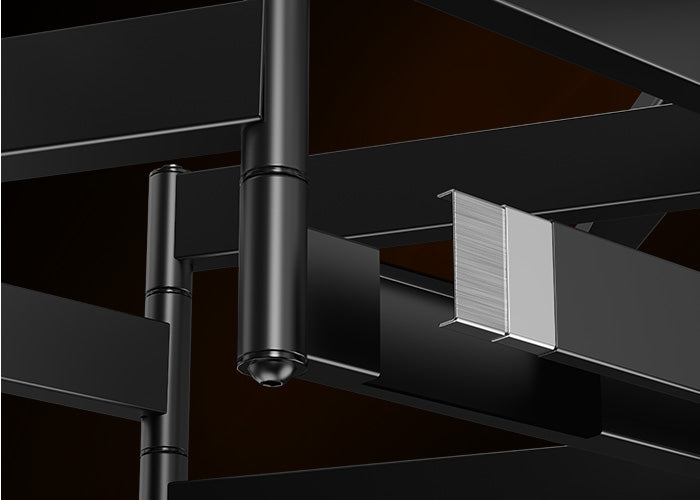
Enhanced Sturdy Construction
Made from cold-rolled steel with a reinforced wall plate, this swivel TV mount supports up to 150 lbs and is tested for lasting strength and reliability.
Will This TV Stand Fit My TV?
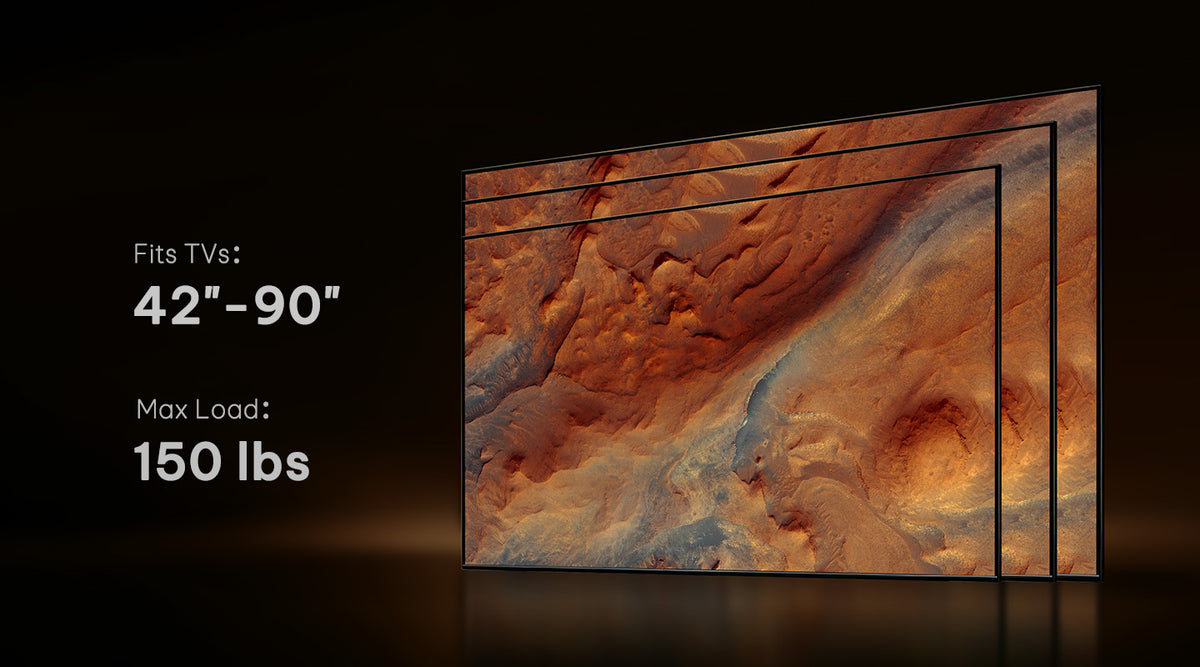


Sturdy Support

VESA Mounting

Compatible TV VESA

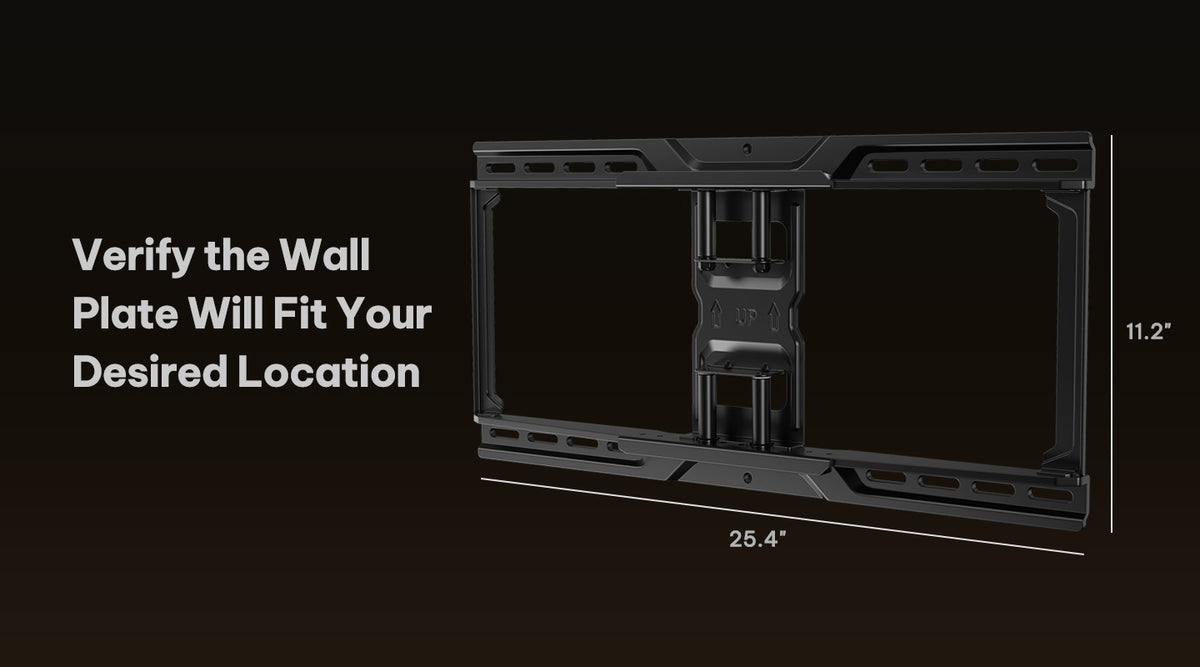
Intended Location

Suitable Wall Types
Easy Assembly
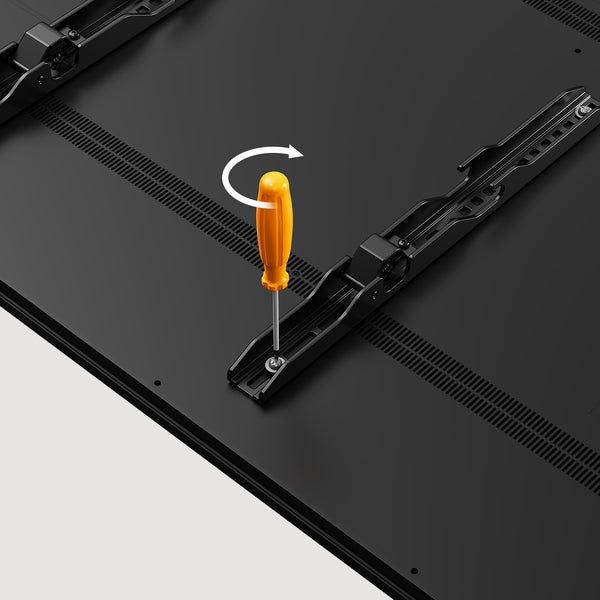
Secure the brackets to the back of your TV
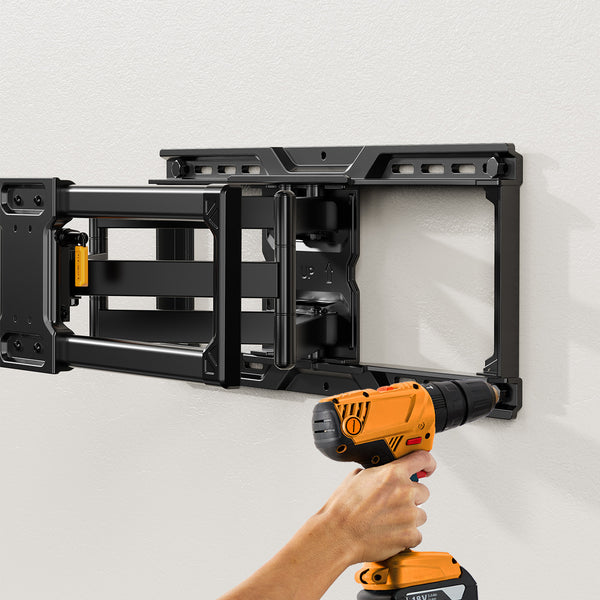
Install the wall plate firmly onto the wall
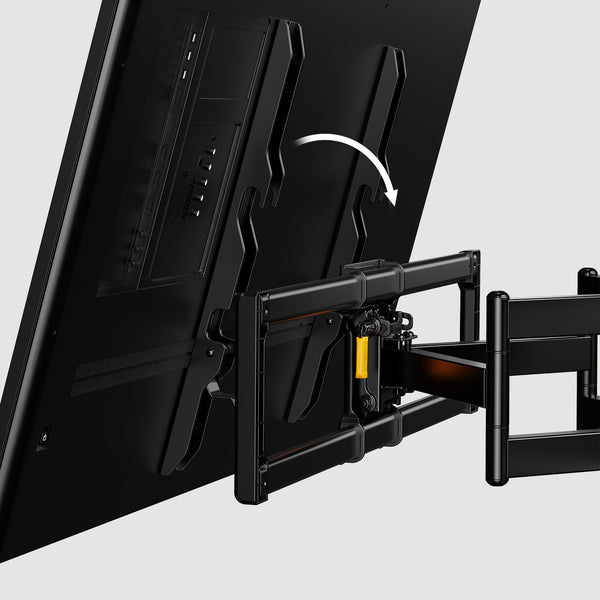
Lift and hang the TV onto the mounted wall plate
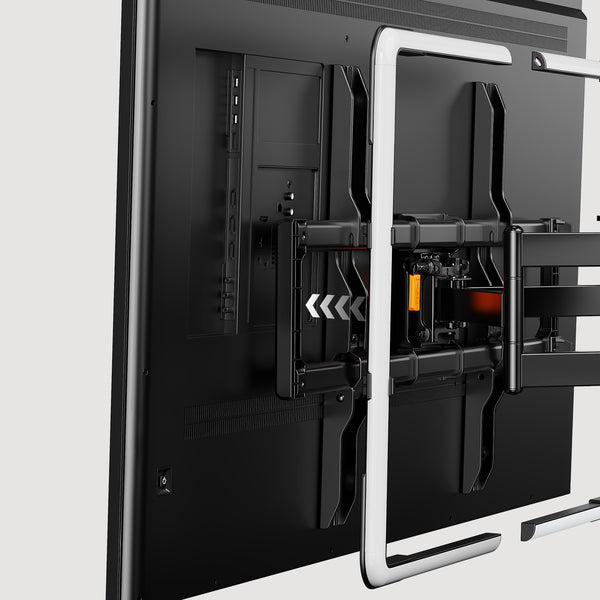
Slide the light bars into place to complete the setup
Specifications
Product Compatibility
Product Information
Have A Question?
If you still have questions, please contact us by email support@perlegear.com, we will reply you within 24 hours on working days.
Contact UsNo. Perlegear TV wall mounts should not be installed on drywall alone.
For safe installation, the mount must be attached to a suitable load-bearing surface, such as wood studs, solid concrete, brick, or block walls, depending on the model.
Please follow the instruction manual for your specific TV mount and confirm that your wall can safely support the combined weight of the TV and mount. If you are not sure about your wall type, we recommend consulting a professional installer.
Some TV wall mounts may be installed on metal studs with the proper hardware, but not all models are suitable for metal stud installation.
Before installation, please check the product page and instruction manual for your specific Perlegear TV mount. Additional hardware, such as snap toggle bolts, may be required.
If you are not sure whether your wall or metal studs can safely support the TV and mount, we recommend consulting a professional installer.
If the distance between your wall studs is wider than the TV wall mount, do not install the mount on drywall alone.
Depending on your wall structure and mount model, you may need to use a suitable mounting board or another secure installation method to bridge the studs.
Please refer to your product manual before installation. If you are unsure, consult a professional installer to make sure the wall can safely support the TV and mount.
If the lag screws are difficult to screw into the wood studs, stop installation and do not force them in. This may be related to the pilot holes, stud location, wall structure, or hardware fit.
Please refer to the instruction manual for your specific TV mount model. If you are not sure whether the installation is safe, contact Perlegear customer support or consult a professional installer before continuing.
To make sure your TV wall mount is secure, confirm that the mount is installed on a suitable wall type and that your TV is within the supported size, weight, and VESA range.
Before attaching the TV, check that the wall plate is firmly fixed to the wall and that all lag bolts, screws, brackets, and safety locks are fully tightened.
After installation, gently test the mount by hand to confirm it feels stable. Do not use the mount if it feels loose or unstable.
If your TV is not level after installation, first check whether the TV brackets are installed at the same height on the back of the TV.
Next, check whether the wall plate is level and whether all screws are tightened correctly. Some Perlegear TV mounts may include leveling adjustment features for minor corrections.
Please refer to your product manual for the exact adjustment method for your model.
PERLEGEAR Best Seller
View All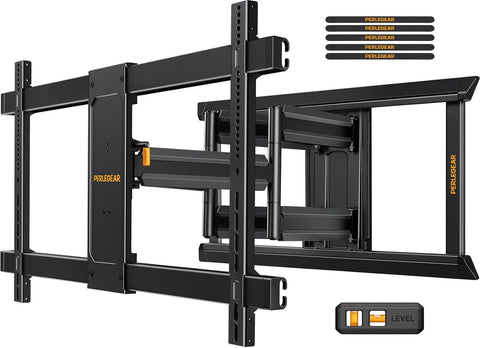
Shot On Instagram


