


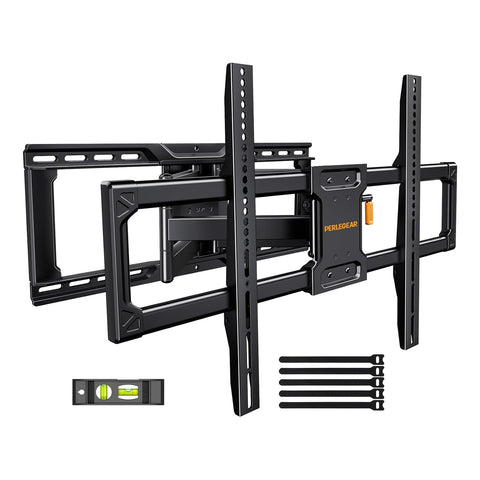
Heavy-Duty Full-Motion TV Wall Mount for 42"–97" TVs, up to 150 lbs | FX26
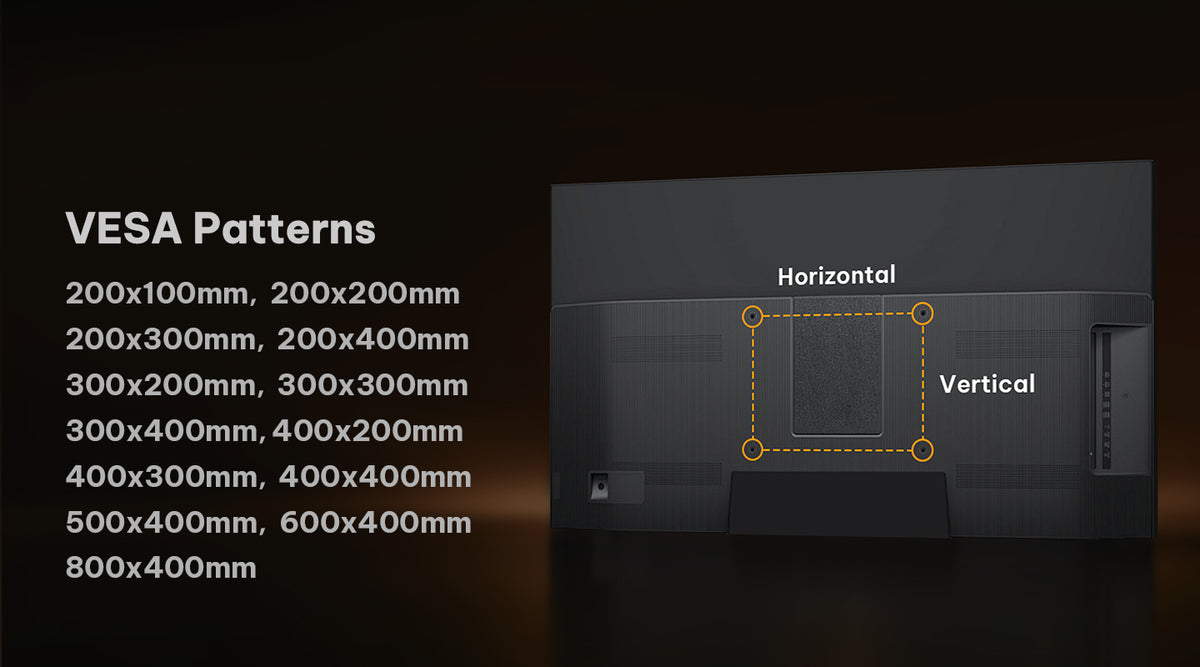
- VESA Range 200x100-800x400mm
- Fits TVs 42"-97"
- Tilt +5/-15°
- Swivel +/-90°
- Weight Capacity 150 lbs

Expand Your View Across Open-Plan Living & Dining
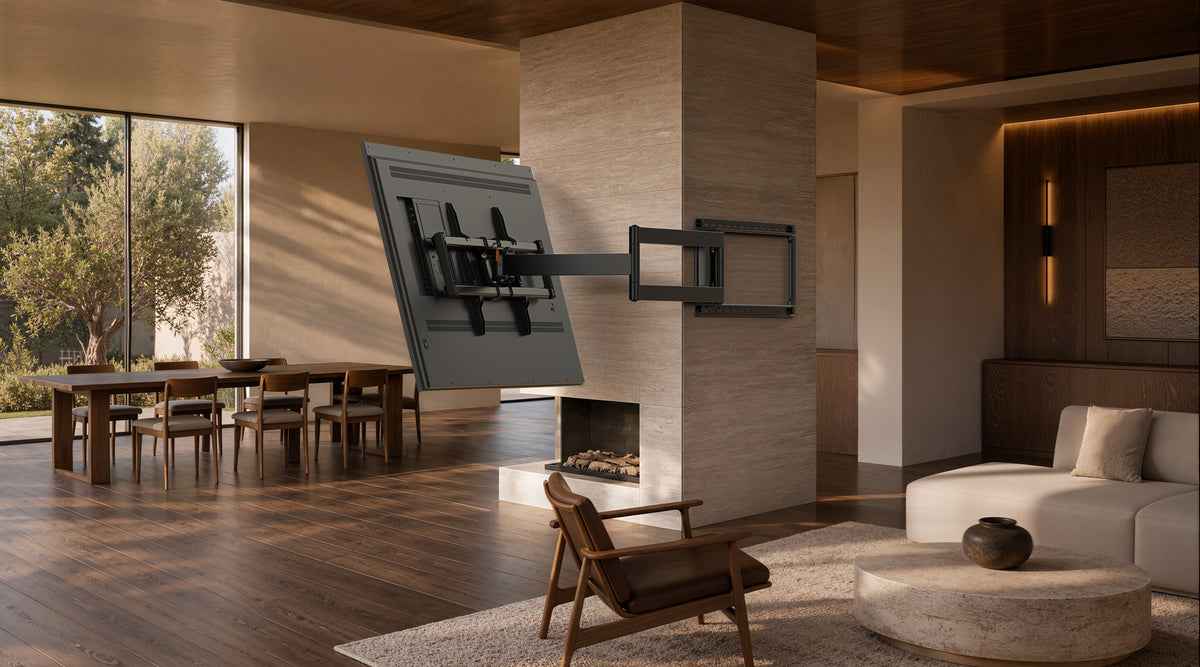

Easy Tilt Adjustment
Fine-tune your TV’s viewing angle with the easy-access adjustment handle. Make quick, precise changes for a more comfortable view—without removing the TV from the mount.
Full-Motion Flexibility
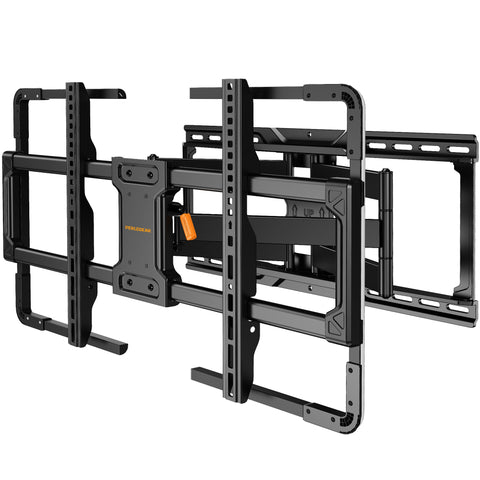
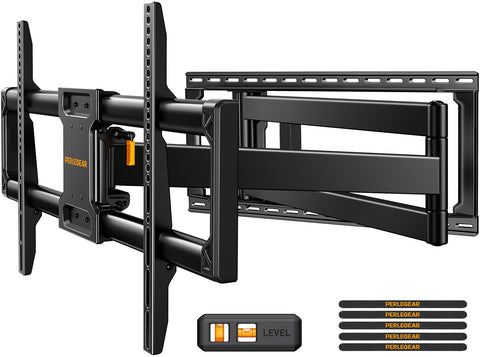
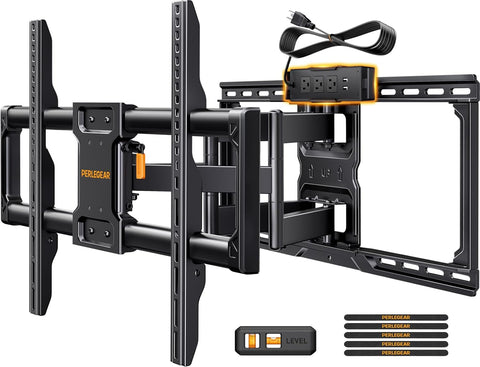
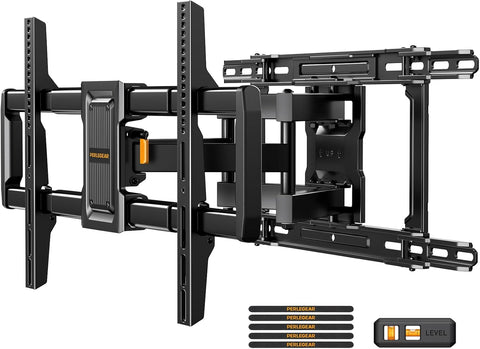
Extend, retract, and swivel the dual articulating arms to position your TV exactly where you want it. Pull the screen closer for a better view, then push it back toward the wall to free up space.
Will This TV Stand Fit My TV?
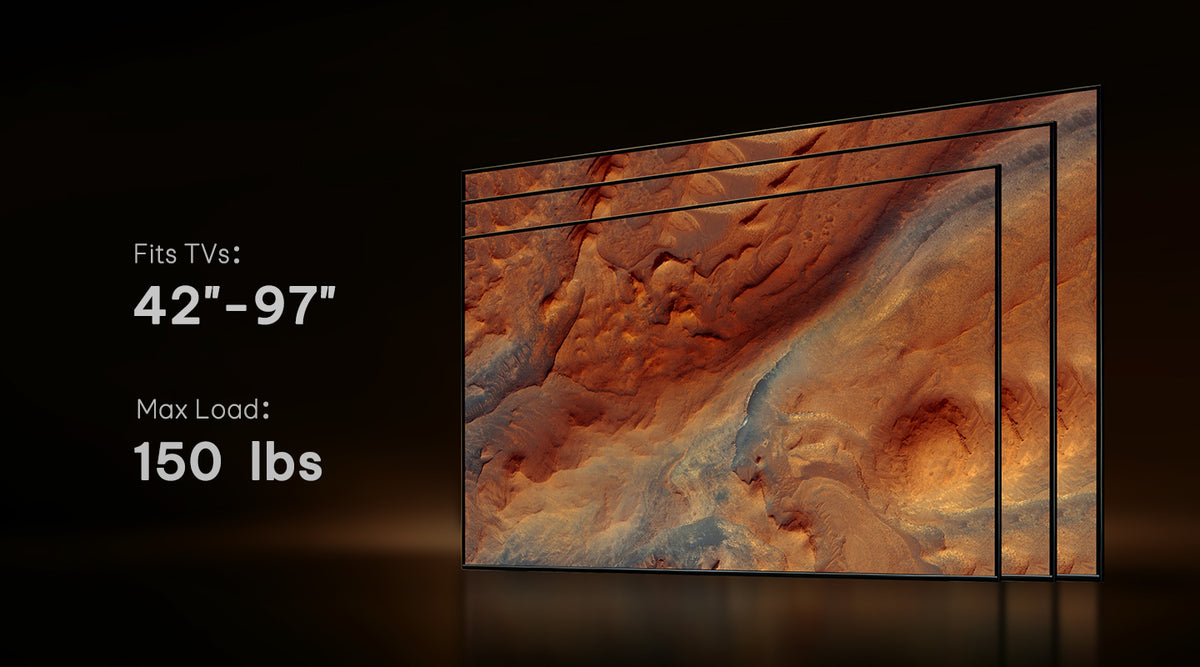


Sturdy Support

VESA Mounting

Compatible TV VESA

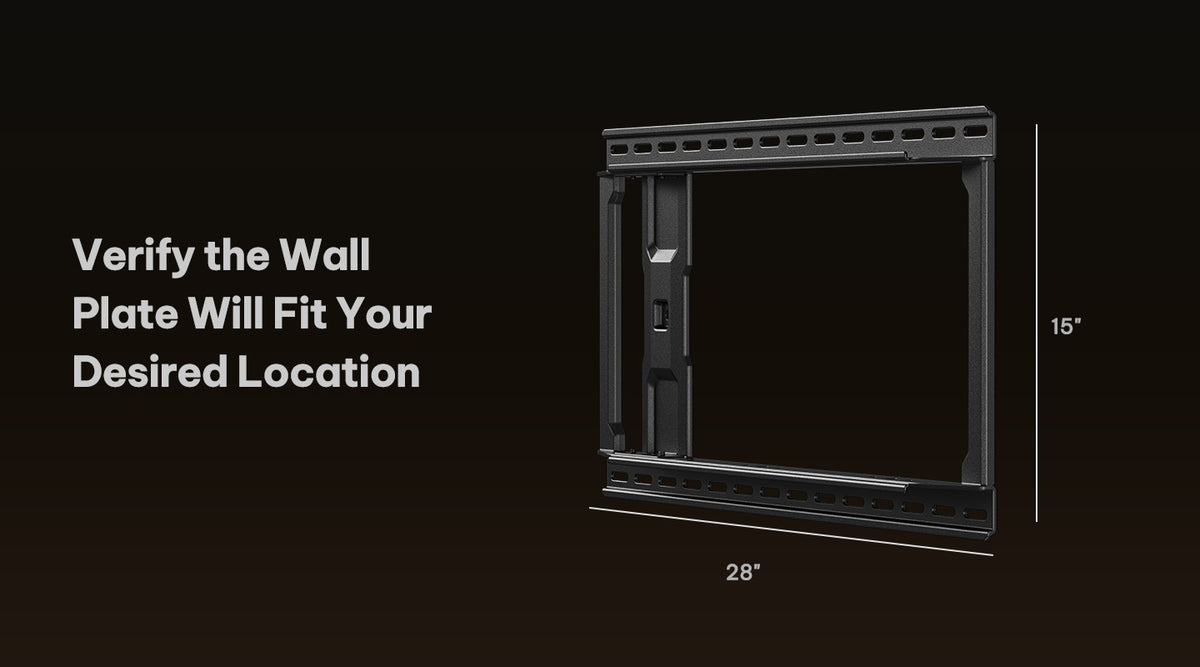
Intended Location
Easy Installation
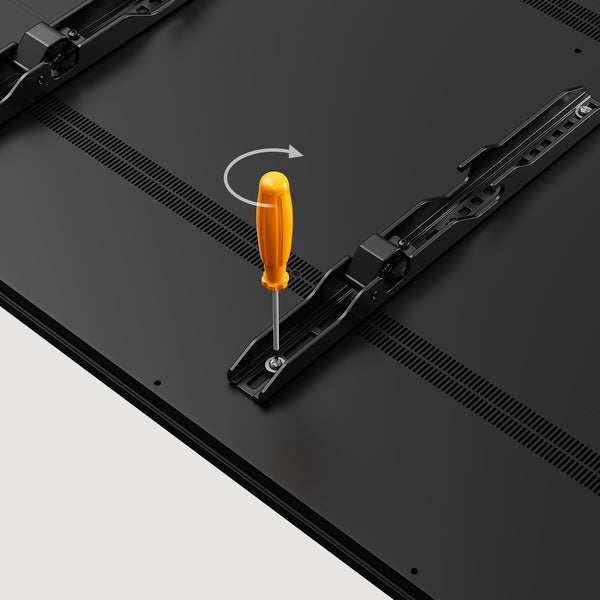
Attach the brackets to the back of your TV
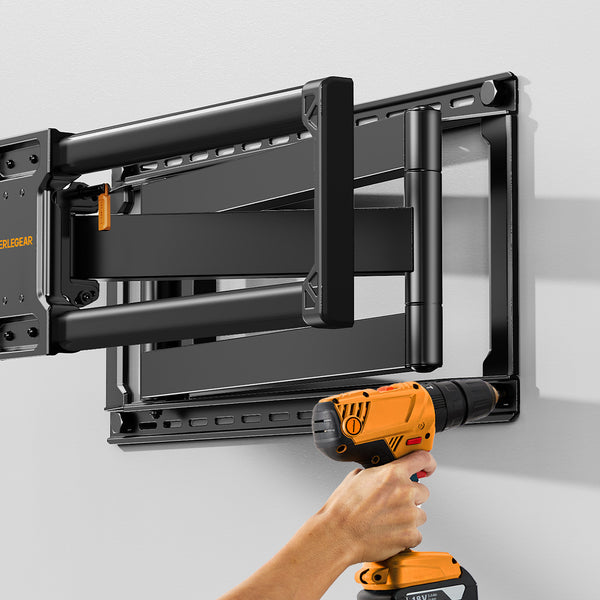
Securely mount the wall plate
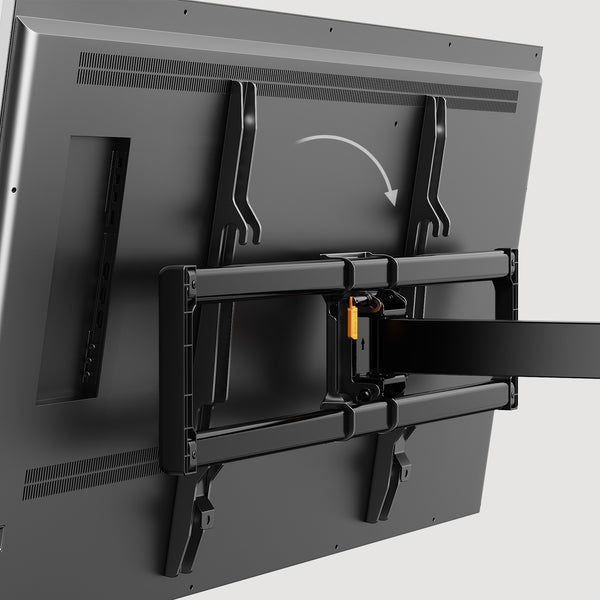
Hang and lock your TV in place
Specifications
Product Compatibility
Need Help?
Have a question about installation or adjustment? Email us at support@perlegear.com. Our support team will respond within 24 business hours.
Contact SupportCheck your TV’s screen size, weight, and VESA mounting pattern against the compatibility details on this product page. Your TV’s VESA pattern is the distance between the mounting holes on the back of the TV.
Do not install the mount on drywall alone. For a secure installation, attach the wall plate to wood studs or a solid concrete wall using the included hardware and the instructions provided.
We recommend two people for the final step of lifting and hanging the TV, especially for larger screens. This helps keep the TV stable and prevents accidental damage.
Yes. Extend the articulating arms to create space behind the TV when connecting or changing cables. Make sure your cables have enough slack before pushing the TV back toward the wall.
Route cables along the arms and leave enough slack for the mount’s full range of motion. For a cleaner setup, use cable covers, a wall raceway, or an in-wall cable-management solution.
PERLEGEAR Best Seller
View All
Shot On Instagram


