


Perlegear Gallery T1 Easel TV Stand for 32"–70" TVs
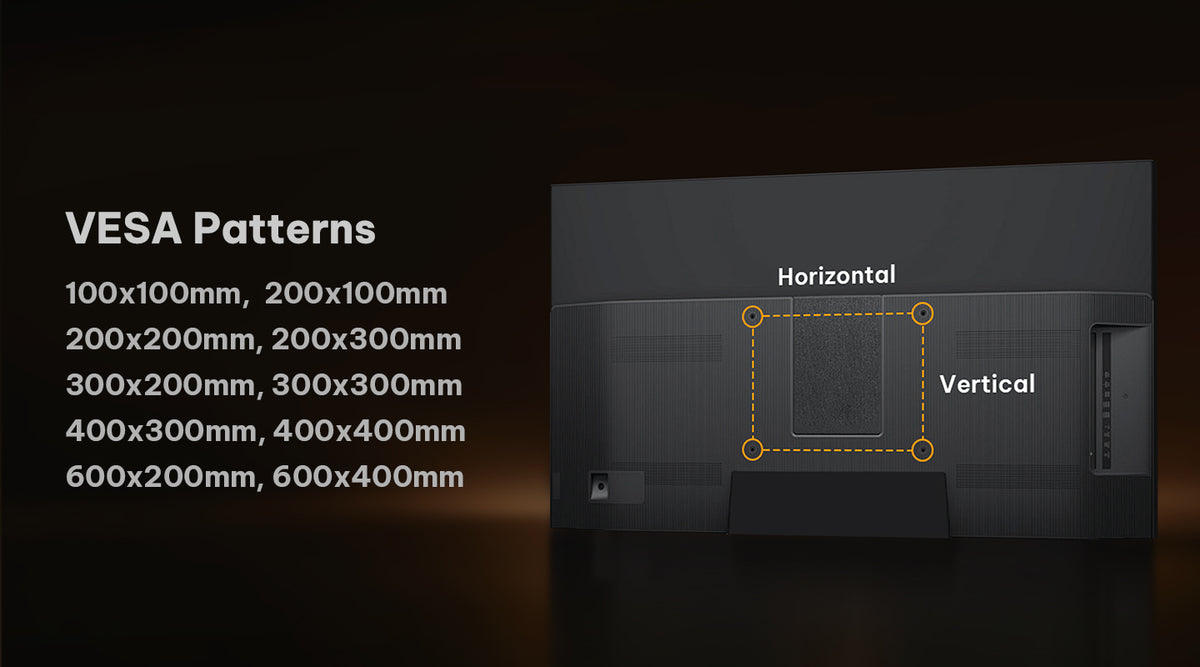
- VESA Range 100x100-600x400mm
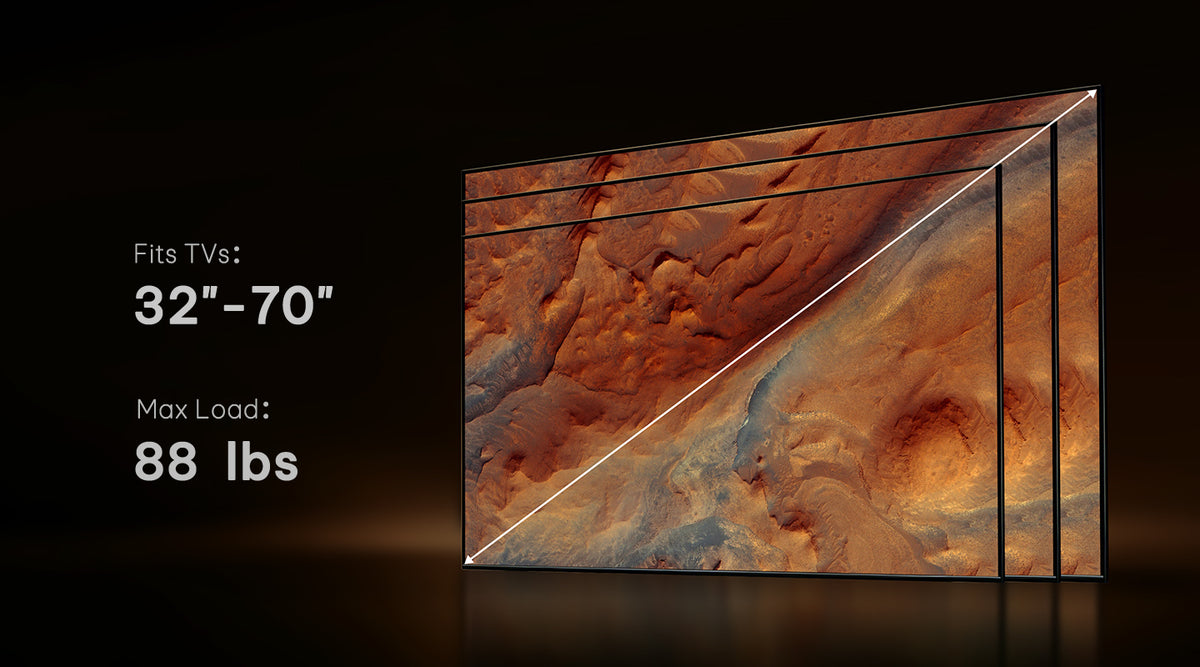
- Fits TVs 32"-70"
- Tilt +15°/-15°
- Universal Fit for 32"-70" TVs: Fits most 32"-70" TVs, supports up to 40 kg, and works with VESA 100x100mm to 600x400mm. A stylish alternative to wall mounting.
- Height Adjustable Viewing: Adjust the screen height to match your sofa, bed, or lounge setup for a more comfortable view.
- ±15° Tilt: Tilt the TV up or down to help reduce glare from windows and lights.
- Wood Legs with Cable Management: Premium wood legs add a warm modern look, while cable management keeps wires neat and hidden.
- Textured Glass Shelf: Supports up to 5 kg and provides space for streaming devices, game consoles, remotes, or decor.
- Functional Decor Piece: A tripod-inspired TV stand that blends practical support with modern home style.

Maximum Stability
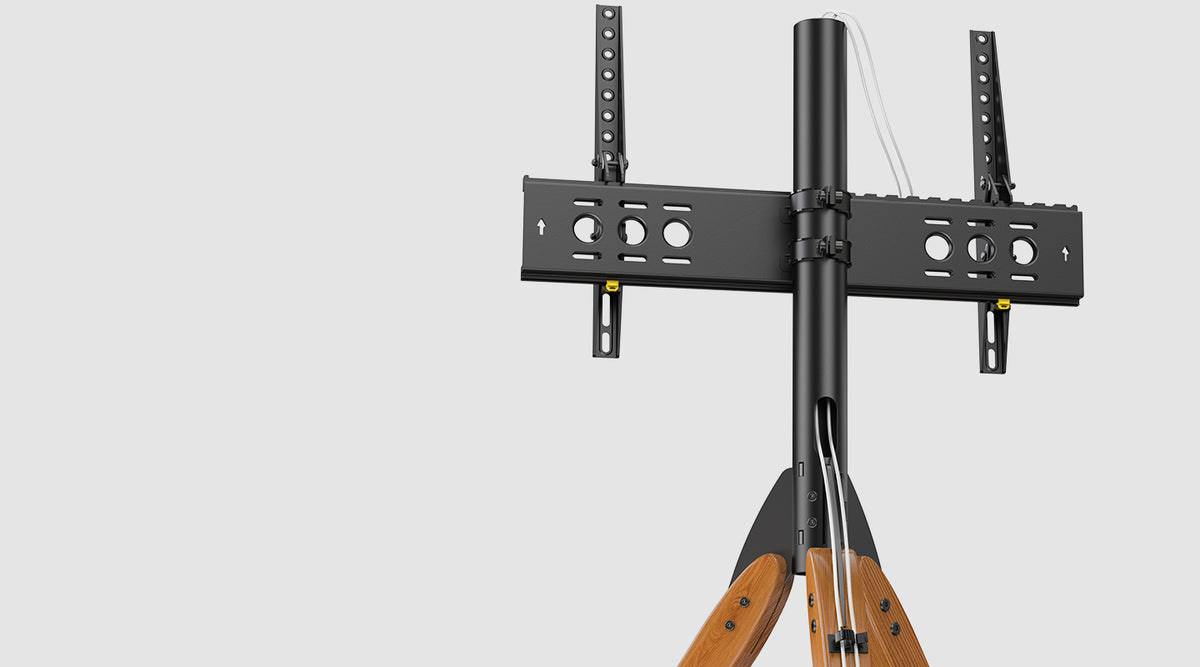

Cable Management
Route cables through the center tube and wooden leg to keep wires hidden, organized, and out of sight for a cleaner entertainment setup

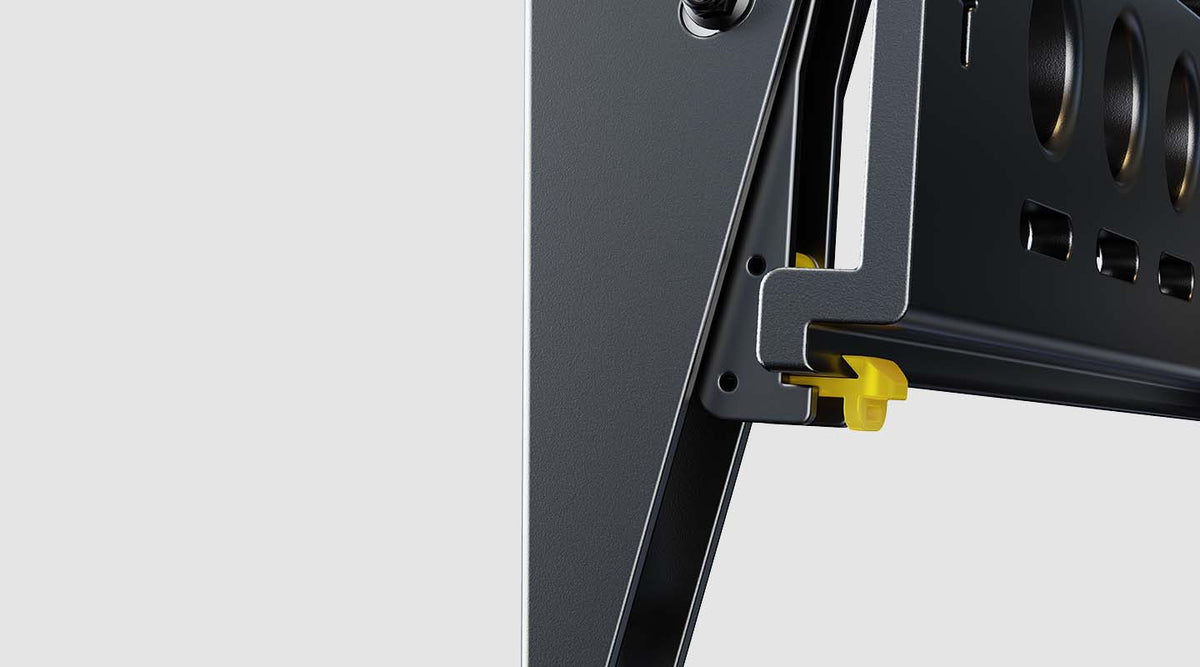
Easy TV Mount Locks
Quick-release locking mechanism allows for easy and secure TV mounting in seconds

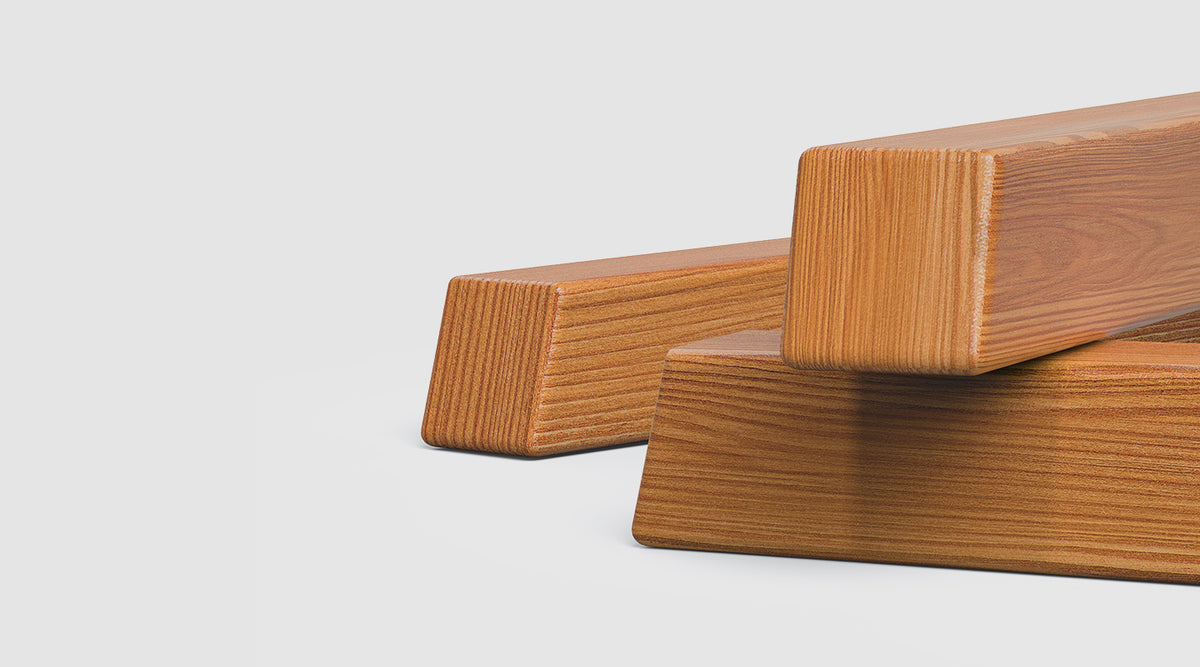
Solid Wood Legs
Crafted from premium solid wood for lasting durability and a natural aesthetic that complements any room

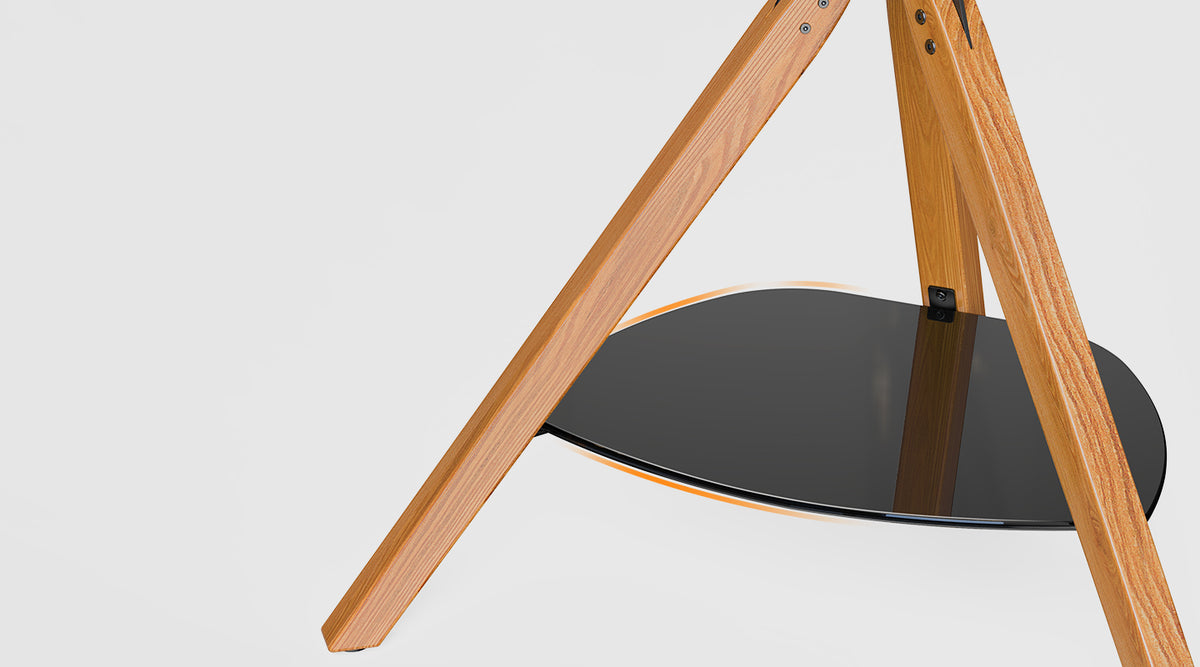
Tempered Glass Shelves
Premium tempered glass shelves provide elegant storage space for your media devices

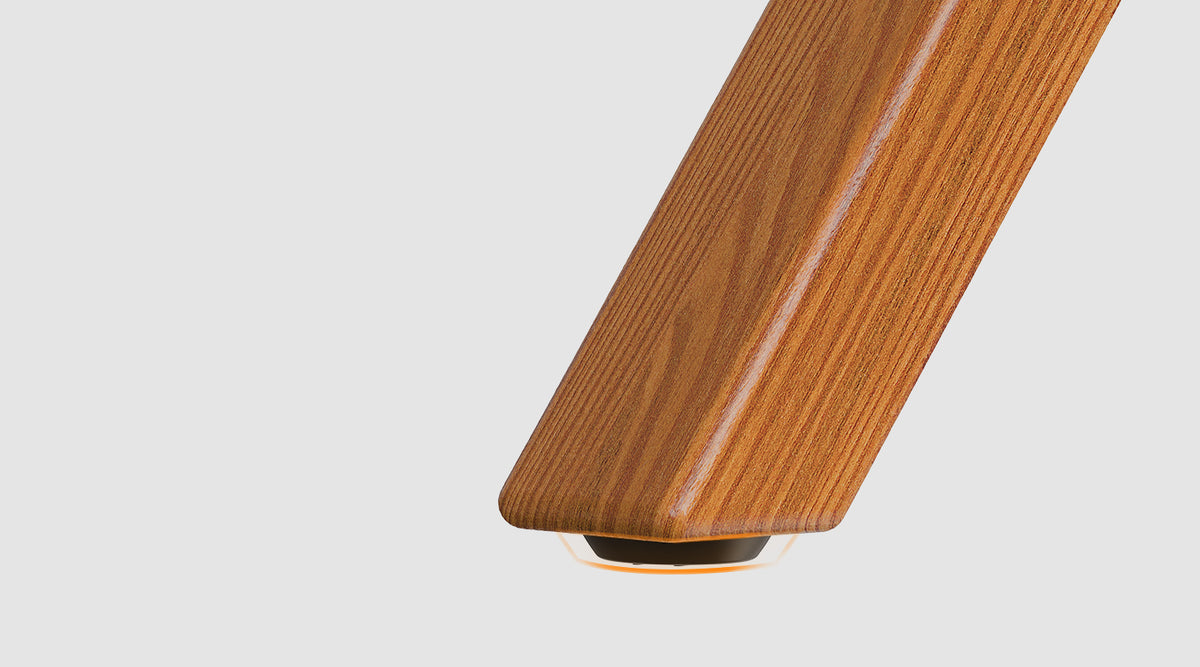
Adjustable Feet
Precision-adjustable feet ensure perfect leveling on any surface
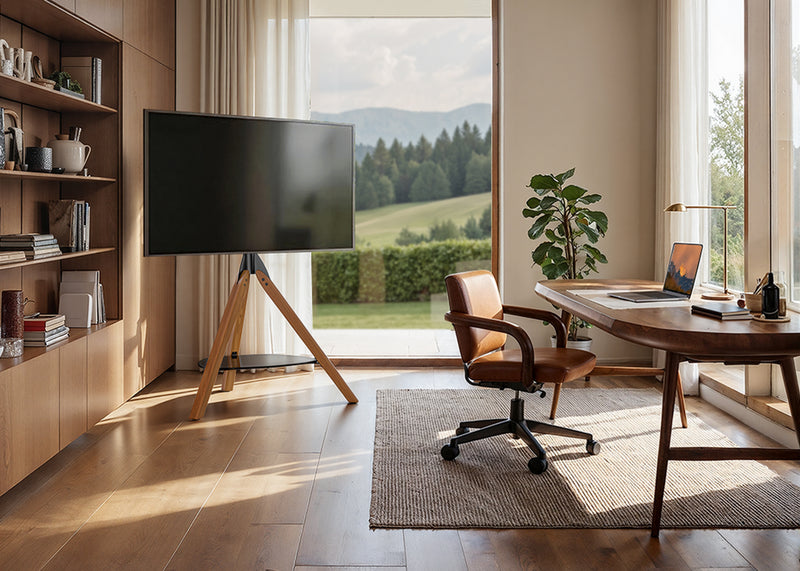
Perfect Viewing Angle
Adjust the screen height and tilt up to ±15° for a clearer, more comfortable view in any room.
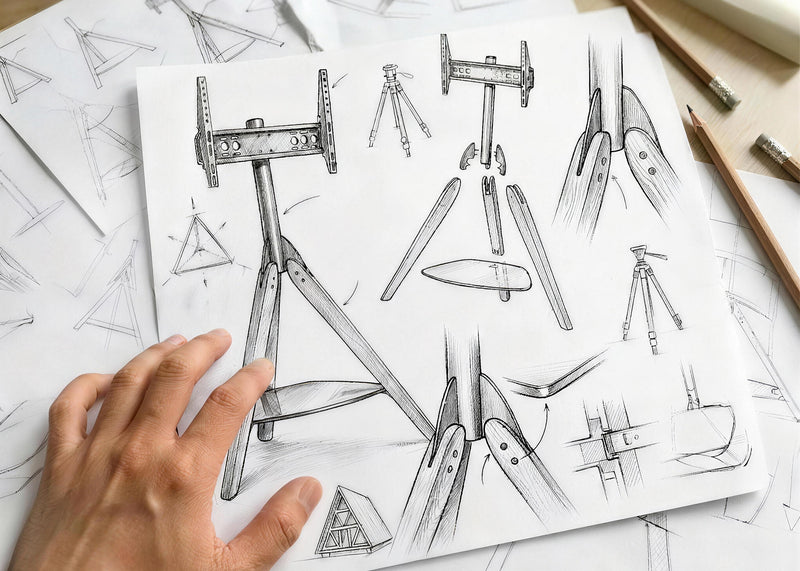
Functional Art Design
Wood legs, hidden cable routing, and a glass shelf create a clean, stylish setup that feels more like decor than hardware.
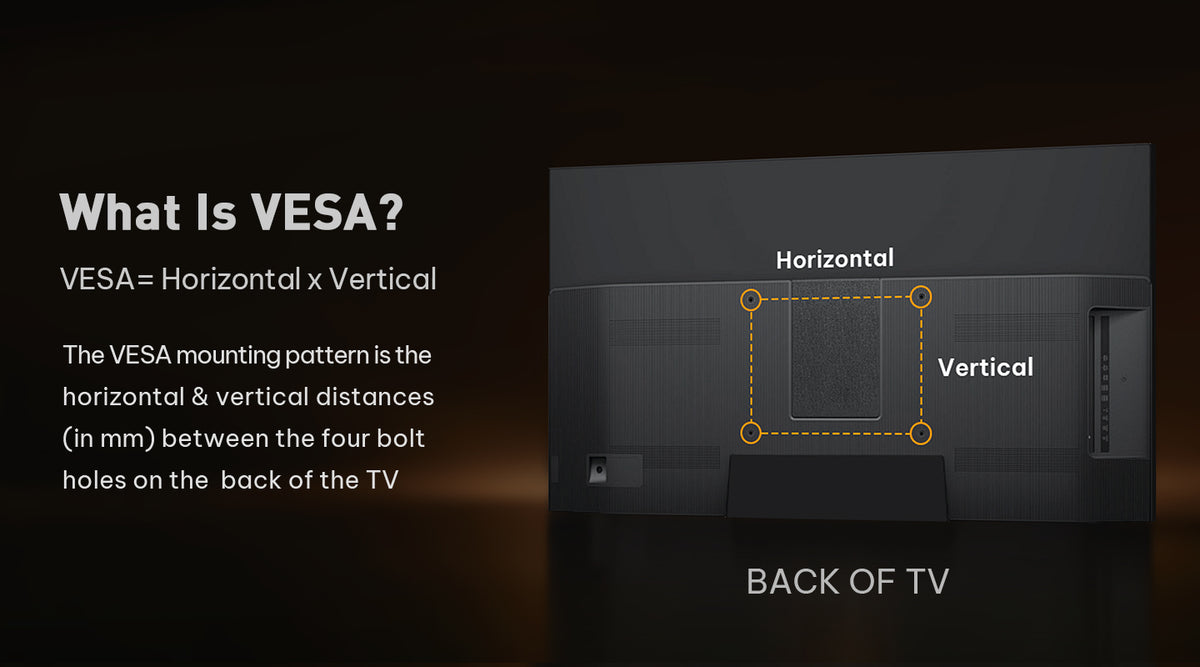
Will This TV Stand Fit My TV?


Sturdy Support

VESA Mounting

Compatible TV VESA

Intended Location
Easy Assembly
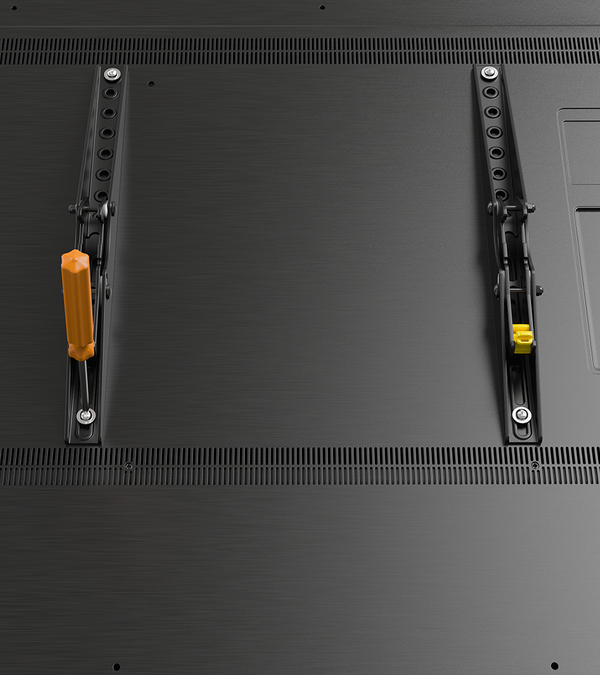
Attach the TV brackets to the back of your TV using the matching VESA holes
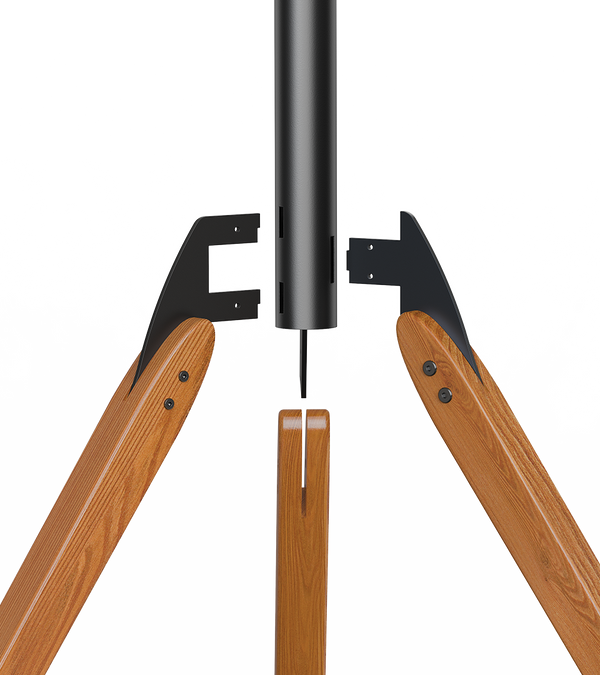
Install the wood legs onto the center support pole to create a stable tripod base
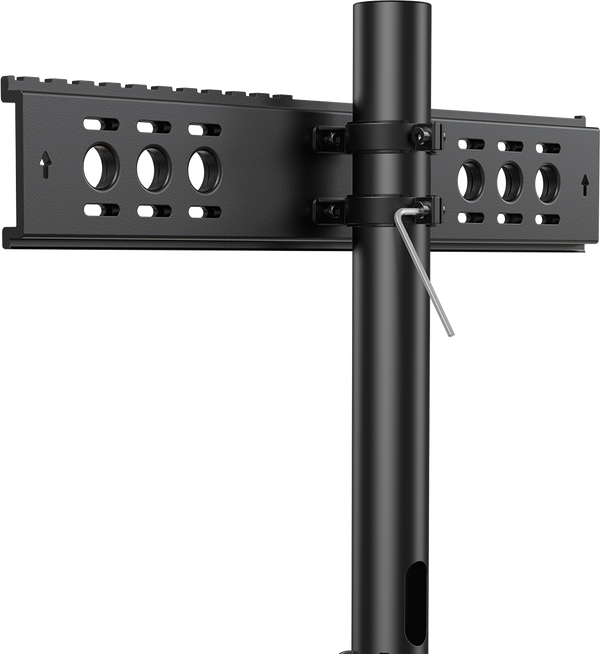
Secure the mounting plate to the support pole and route the cables through the center tube
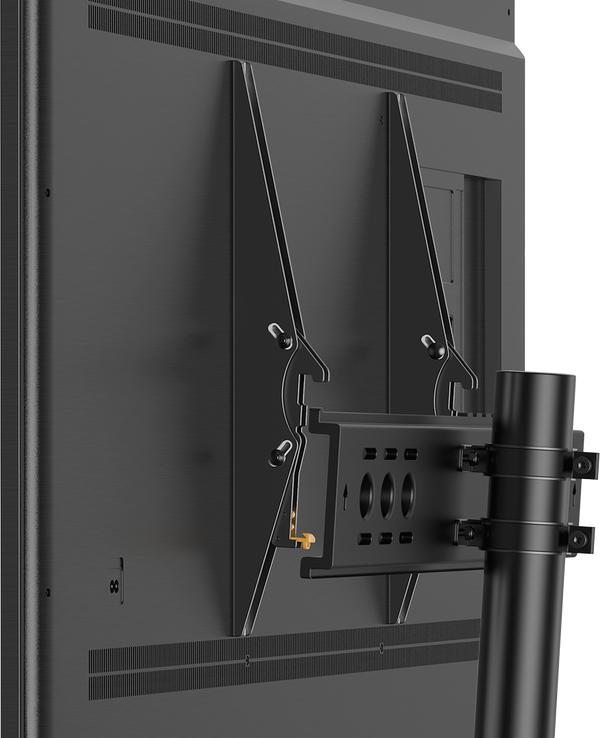
Hang the TV onto the mount and lock it in place for a secure, finished setup
All Hardware Included

Specifications
Product Compatibility
Product Information
Have A Question?
If you still have questions, please contact us by email support@perlegear.com, we will reply you within 24 hours on working days.
Contact UsFirst, check whether the spacers are installed evenly between the TV and the brackets.
If the TV is still tilted forward or backward, you may need to adjust the screws and spacers on the upper or lower VESA holes.
Please refer to the instruction manual for your specific model before making adjustments.
Please remove the TV from the stand first and check whether both TV brackets are installed at the same height.
If needed, loosen the screws on the front support or support pillar, adjust the TV stand until it is level, and then tighten all screws securely.
We recommend having two people handle the TV during adjustment.
After the TV is installed, gently push the left or right side of the TV to adjust the swivel angle.
If the swivel feels too tight, check the swivel screw and loosen it slightly if needed.
Do not force the TV to swivel beyond the supported range listed in the product specifications.
Some Perlegear TV stands allow you to reduce or lock the swivel movement by tightening the screws or nuts around the front support or support pillar.
Please refer to your product manual for the exact locking or tightening points, as the structure may vary by model.
Make sure all screws and nuts are fully tightened before use.
PERLEGEAR Best Seller
View All
Shot On Instagram


