


180 lbs Capacity Full Motion TV Wall Mount for 55"–120" TVs | FX30
- VESA Range 200x200-900x600mm
- Fits TVs 50"-120"
- Tilt +5°/-15°
- Swivel ±65°
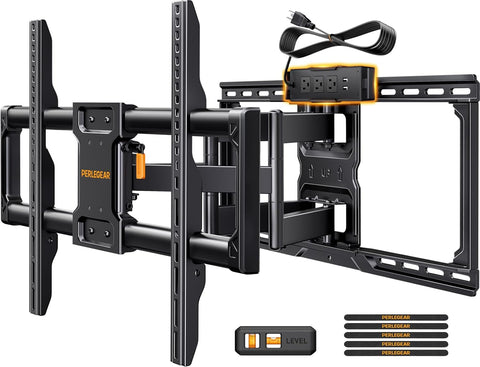
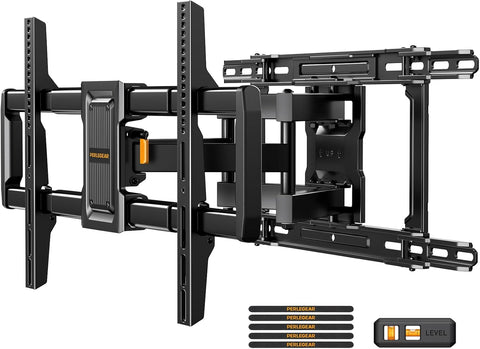
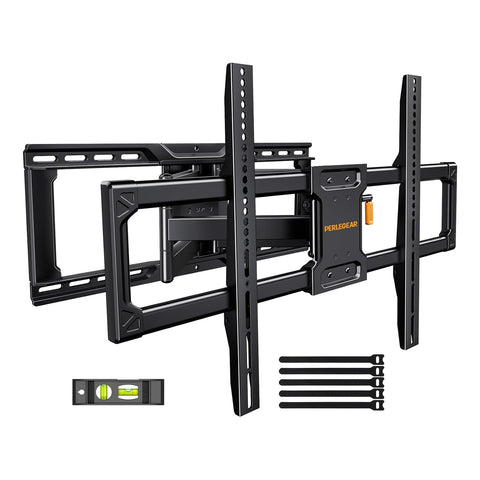
• TV FIT — Fits 55"–120" flat or curved TVs up to 180 lbs. VESA: 200 × 200mm to 900 × 600mm.
• STABLE SUPPORT — 20% thicker steel and a reinforced wall plate. Tested to 4× the rated load and 6,000 motion cycles.
• FULL MOTION — Swivel ±65°, extend 22", retract to 3", tilt +5°/−15°, and level ±3°.
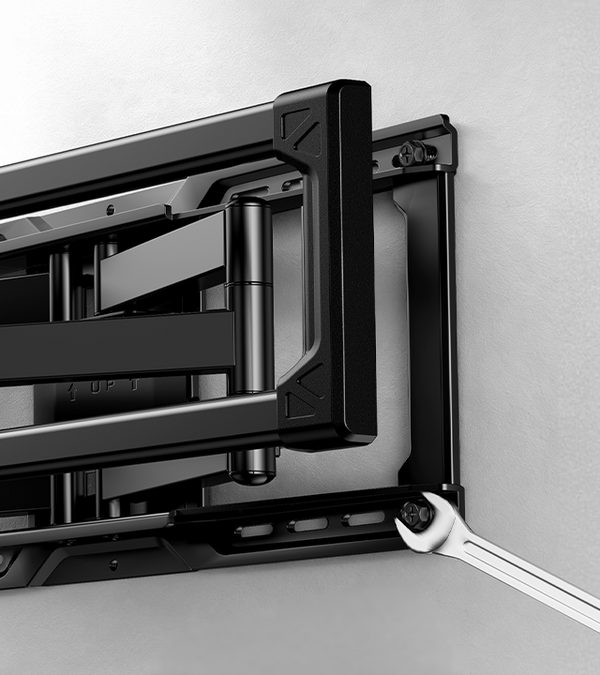
• EASY INSTALL — Pre-assembled with a drilling template, bubble level, and hardware kit. Fits 16" or 24" wood studs, concrete, or brick walls.

Built for Bigger TVs
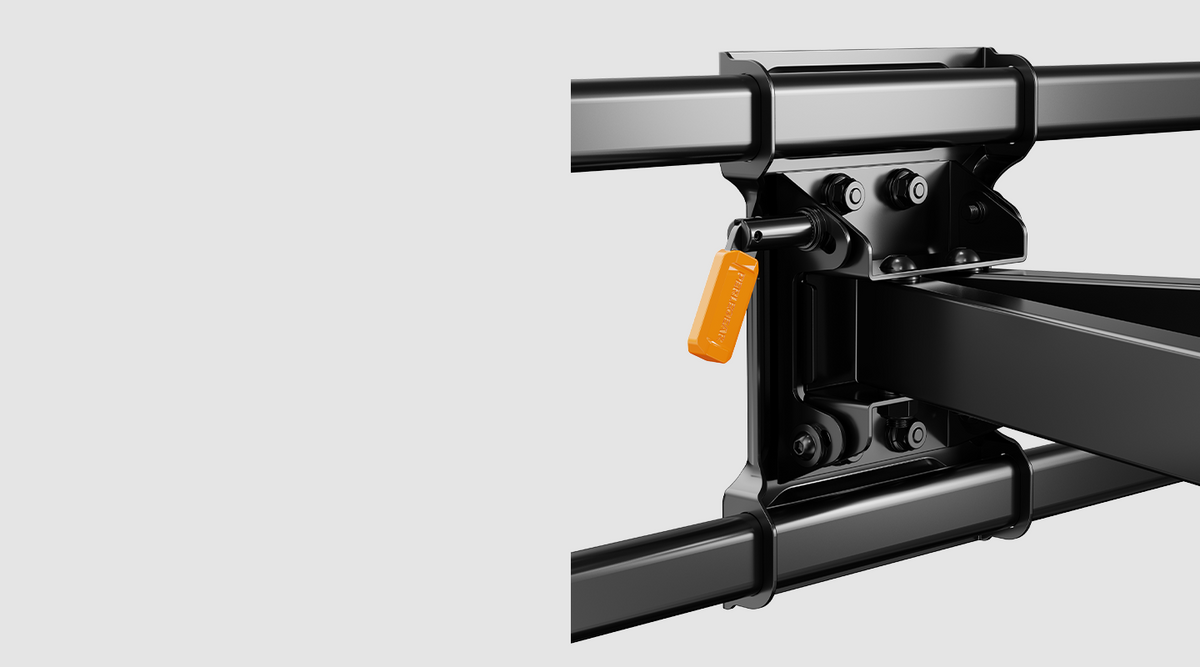
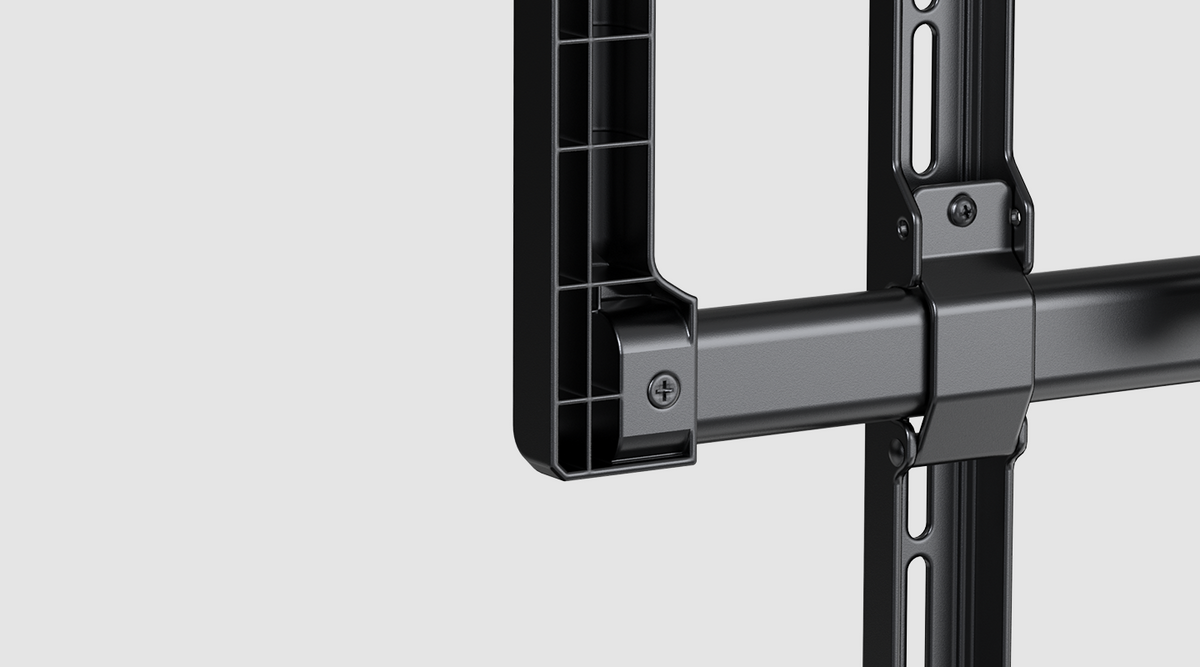

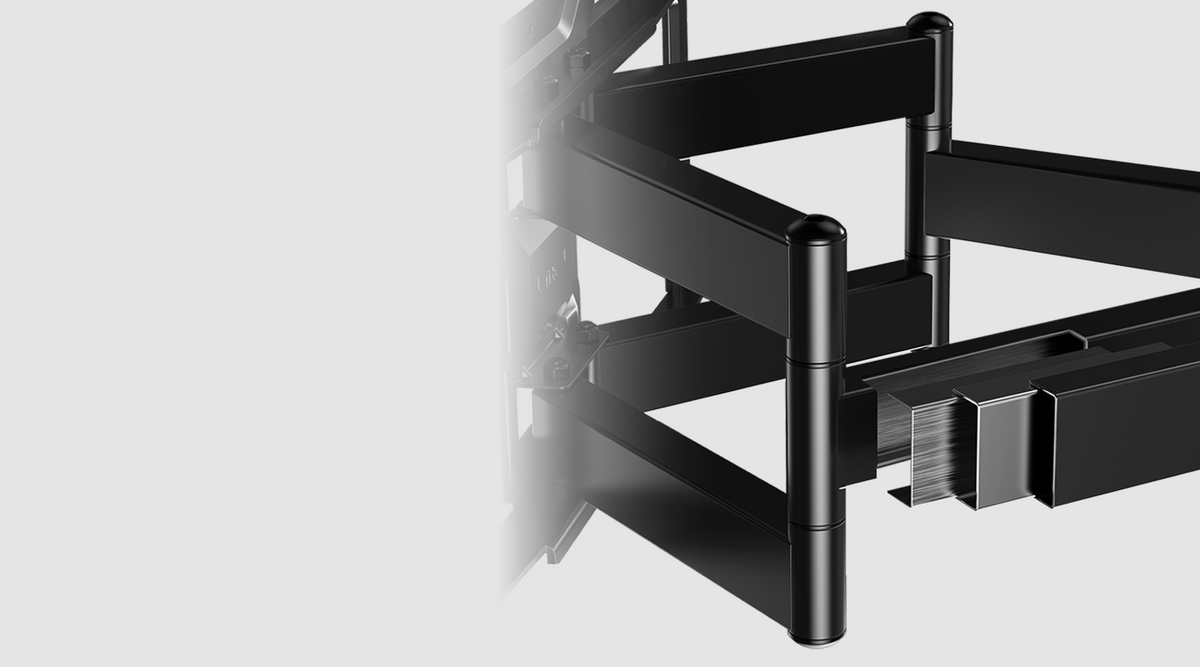

Tool-Free Tilt & Precise Leveling
Use the tool-free handle to smoothly tilt your TV +5°/−15° and reduce screen glare. Fine-tune the level by ±3° after installation for a clean, precisely aligned display.

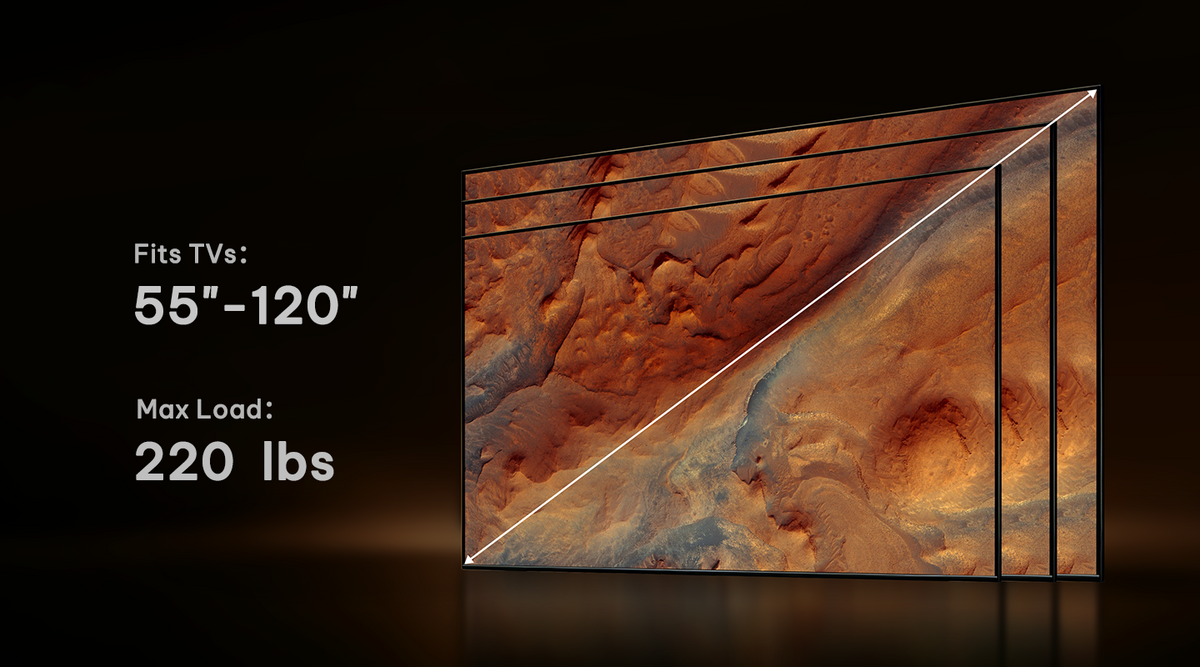
Fits Extra-Large 55"–120" TVs
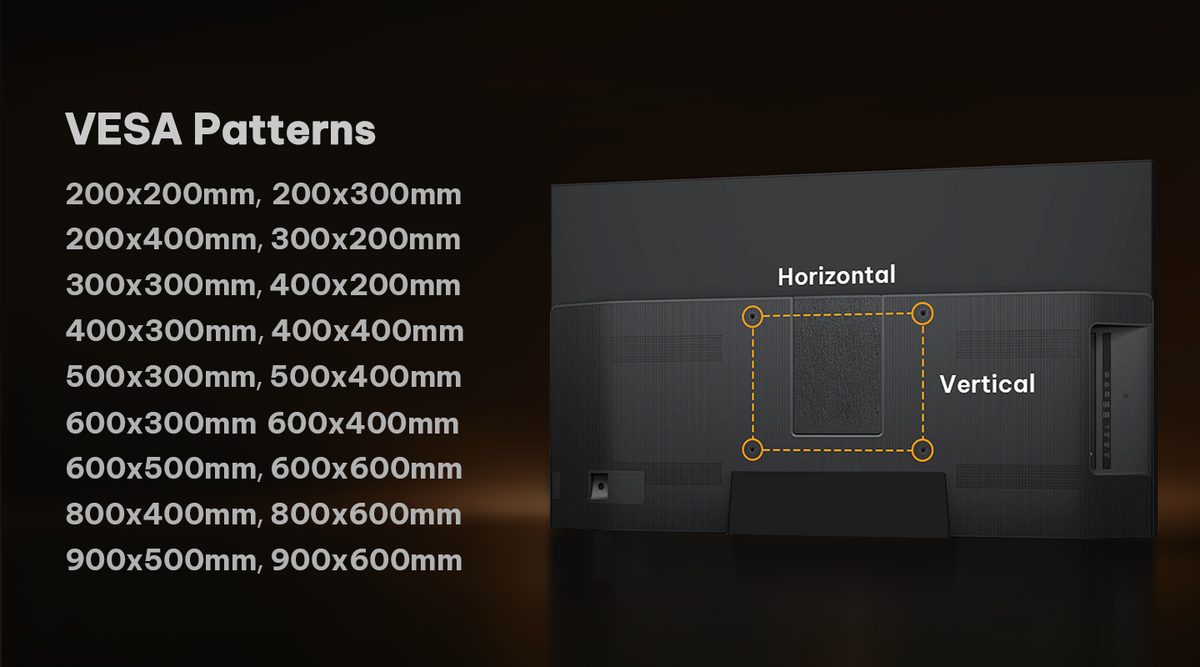
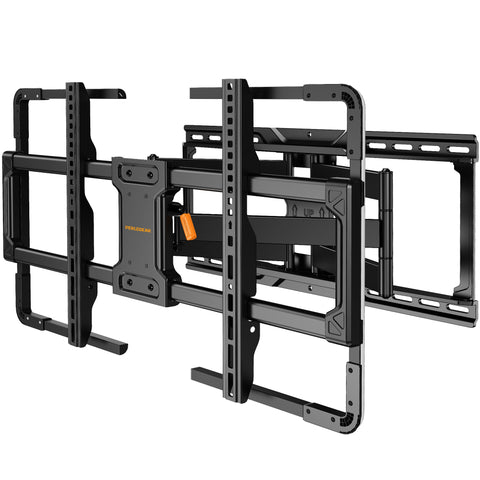
Designed for most flat or curved TVs up to 180 lbs, with VESA patterns from 200 × 200mm to 900 × 600mm. A secure fit for large living rooms, home theaters, and professional spaces.

Reinforced Wall Plate Stability
Built with 20% thicker steel and a reinforced wall plate for dependable support, even when the TV is extended. Tested to 4× the rated load and through 6,000 motion cycles for lasting confidence.

22" Extension & 65° Swivel
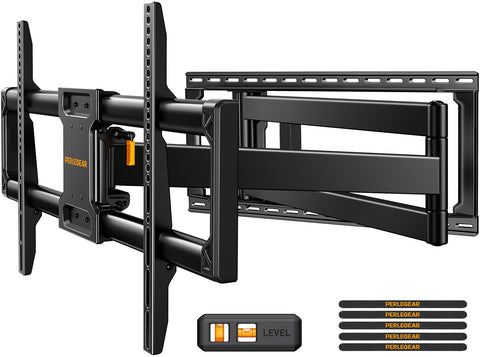
Pull the screen up to 22" from the wall and swivel it up to 65° left or right for a better view from more seats. Retract it to just 3" from the wall for a clean, space-saving setup.

3-Step Quick Installation
The pre-assembled mount, screw-friendly wall plate, drilling template, bubble level, and labeled hardware make installation faster and more straightforward.

Smooth Full-Motion Viewing
Extend up to 22", swivel up to 65° left or right, and retract to just 3" from the wall for flexible viewing and a clean, space-saving setup.
Will This TV Stand Fit My TV?


TV Compatibility

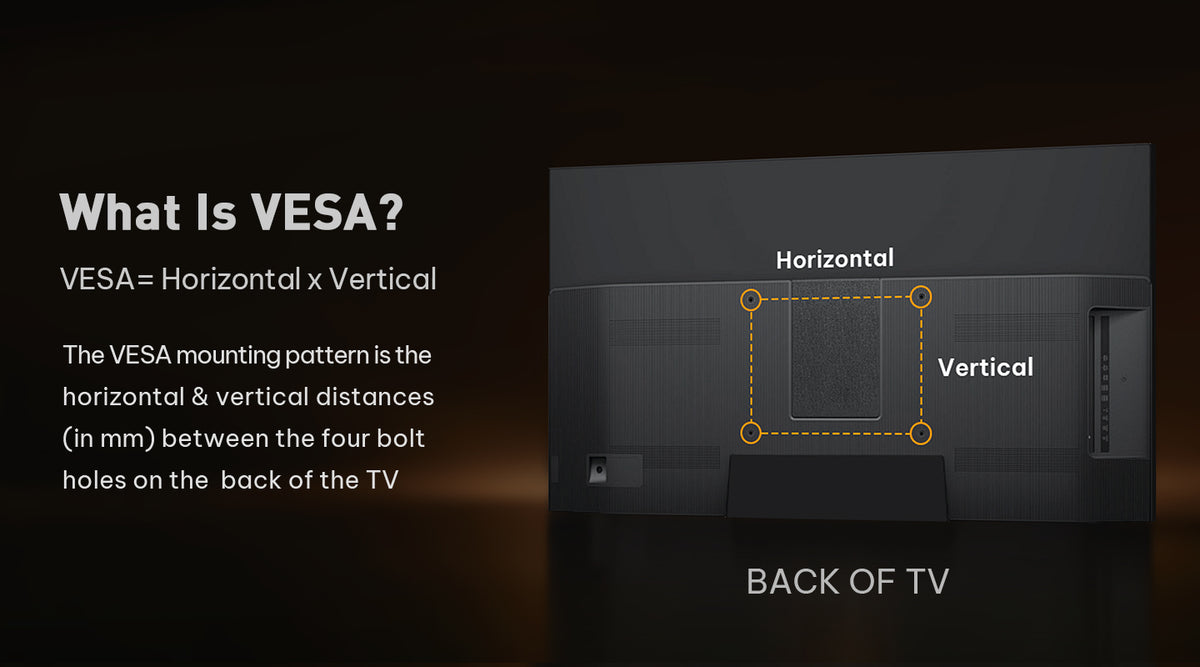
What Is VESA?

VESA Pattern Range

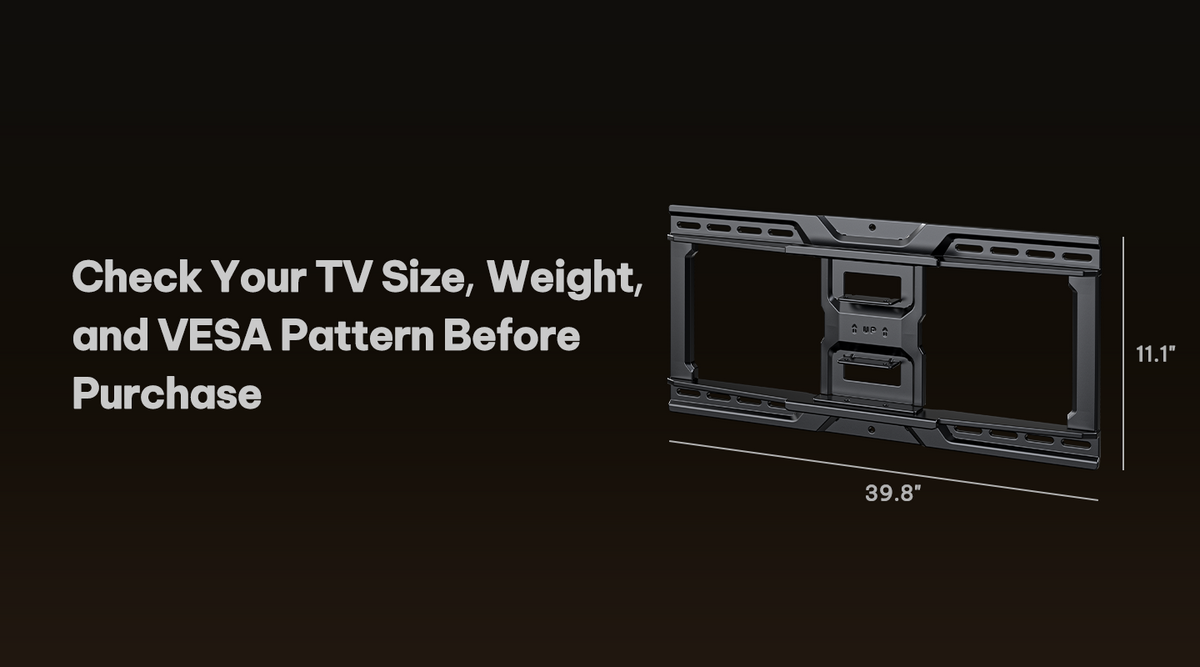
Check Before You Buy

Wall Compatibility
Install Your TV in 3 Simple Steps
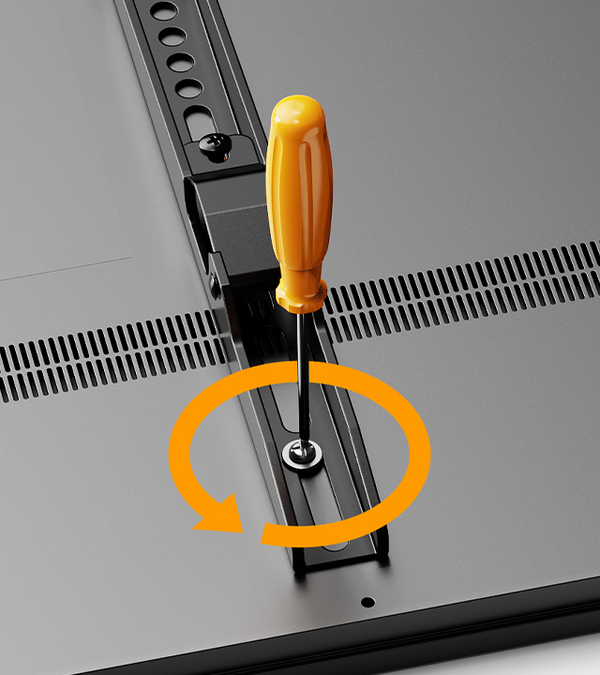
Attach the mounting brackets to the back of your TV.
Secure the wall plate to the wall.

Lift and hook the TV onto the mounted wall plate.
All Hardware Included

All Hardware Included
Specifications
Product Compatibility
Have A Question?
If you still have questions, please contact us by email support@perlegear.com, we will reply you within 24 hours on working days.
Contact UsFirst, check whether the spacers are installed evenly between the TV and the brackets.
If the TV is still tilted forward or backward, you may need to adjust the screws and spacers on the upper or lower VESA holes.
Please refer to the instruction manual for your specific model before making adjustments.
Please remove the TV from the stand first and check whether both TV brackets are installed at the same height.
If needed, loosen the screws on the front support or support pillar, adjust the TV stand until it is level, and then tighten all screws securely.
We recommend having two people handle the TV during adjustment.
After the TV is installed, gently push the left or right side of the TV to adjust the swivel angle.
If the swivel feels too tight, check the swivel screw and loosen it slightly if needed.
Do not force the TV to swivel beyond the supported range listed in the product specifications.
Some Perlegear TV stands allow you to reduce or lock the swivel movement by tightening the screws or nuts around the front support or support pillar.
Please refer to your product manual for the exact locking or tightening points, as the structure may vary by model.
Make sure all screws and nuts are fully tightened before use.
PERLEGEAR Best Seller
View All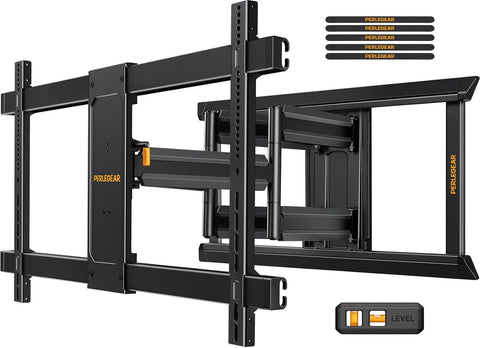
Shot On Instagram


