


Tilting Heavy-Duty Floor TV Stand for 43"-83" TVs | TS22
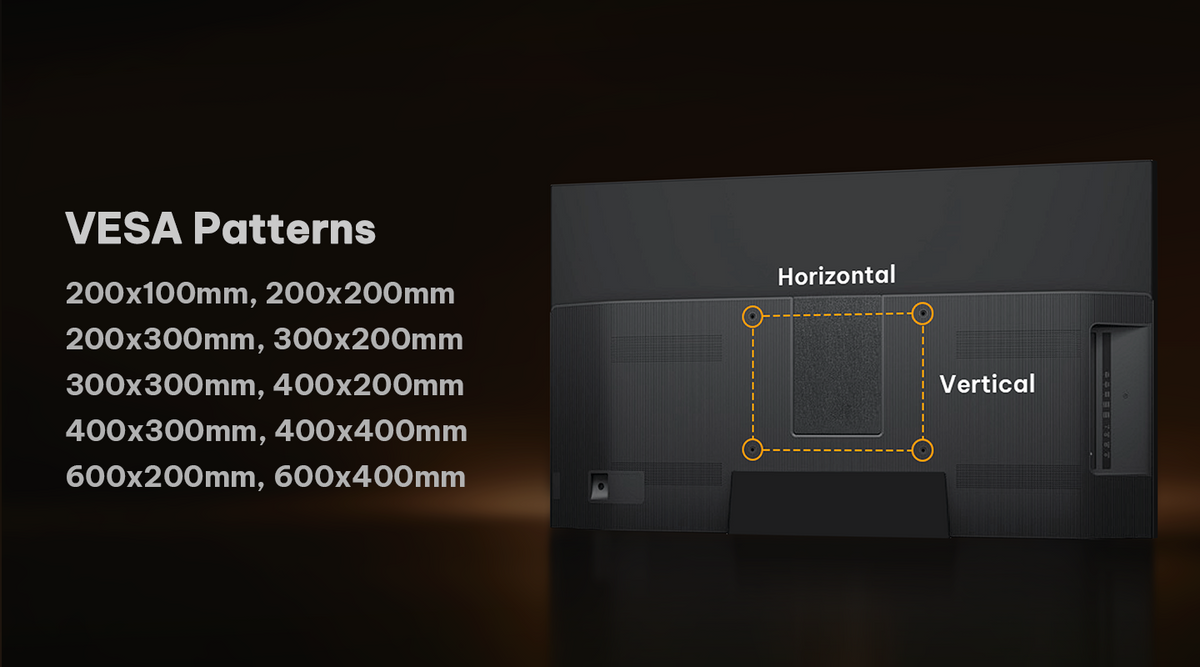
- VESA Range 100x100-600x400mm
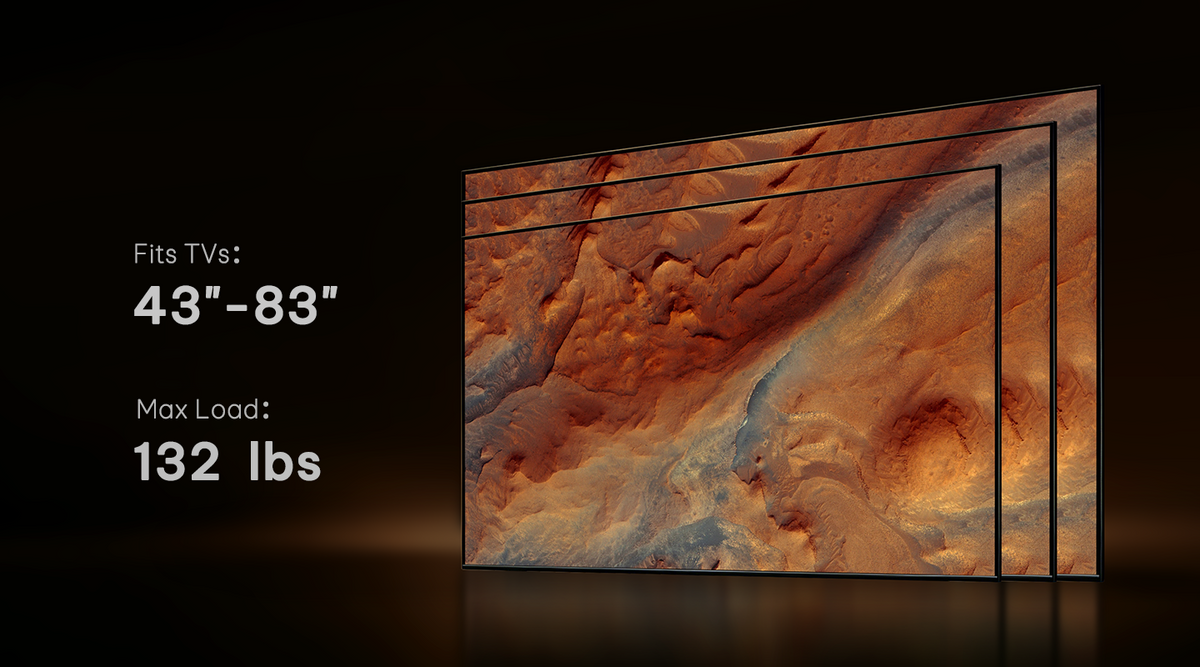
- Fits TVs 43"-83"
- Tilt +5°/-15°
- Swivel +/-30°
- Weight Capacity 132 lbs
- Adjustable Height 48.77"-52.70"
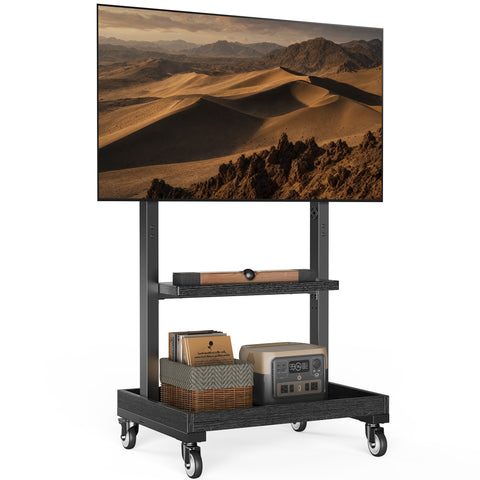
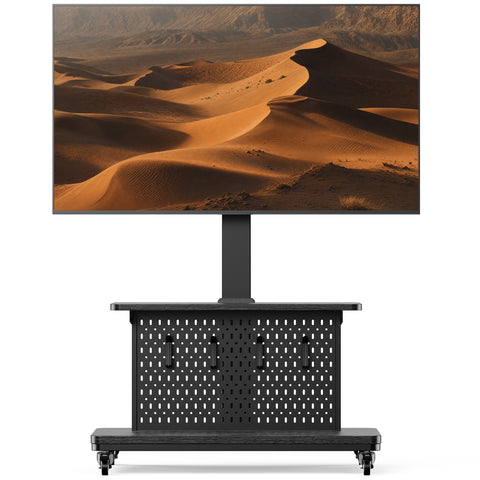
1. PGFS08-US TV Cart fits most 43"-80" TVs. It features soundbar mounting and an equipment shelfs. This strong stable cart has a weight capacity of up to 132 lbs.
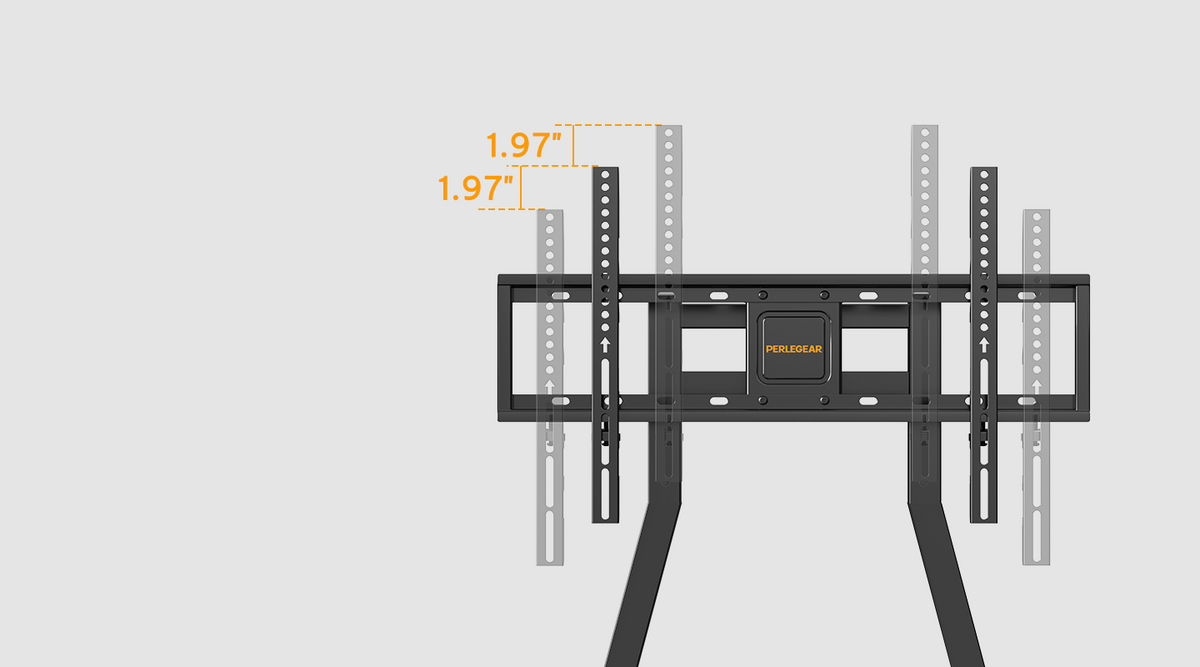
2. Choose from 3 height adjustment positions between 48.77"-52.70" for your desired TV height.
3. Swivel your TV +/-30° left or right to direct the screen toward your viewing position in the room.
4. Tilts +5°/-15° to help reduce glare and enhance your image.
5. The weight capacity of the sound bar mount is up to 22 lbs.
6. Each equipment shelf supports up to 66 lbs.
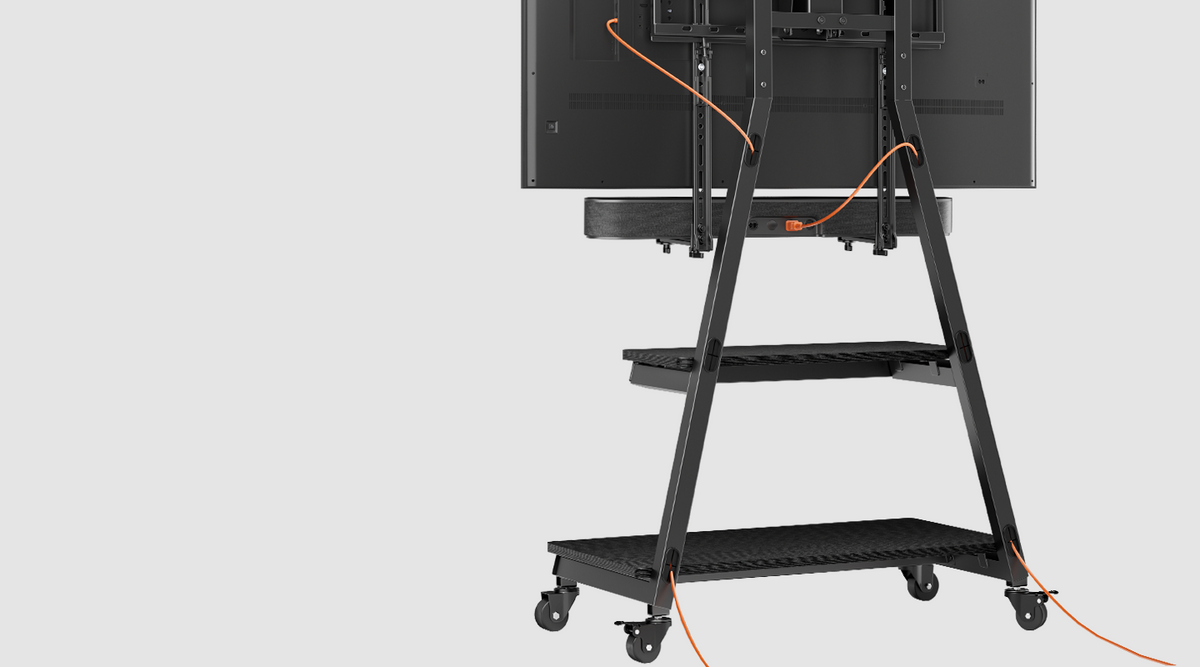
7. Cable Management is hidden in the support column for a clean finished look.
8. Includes instruction manual and standard mounting hardware for easy installation.
9. Perlegear provides a 5-year limited warranty and professional US-based customer support.

Maximum Stability
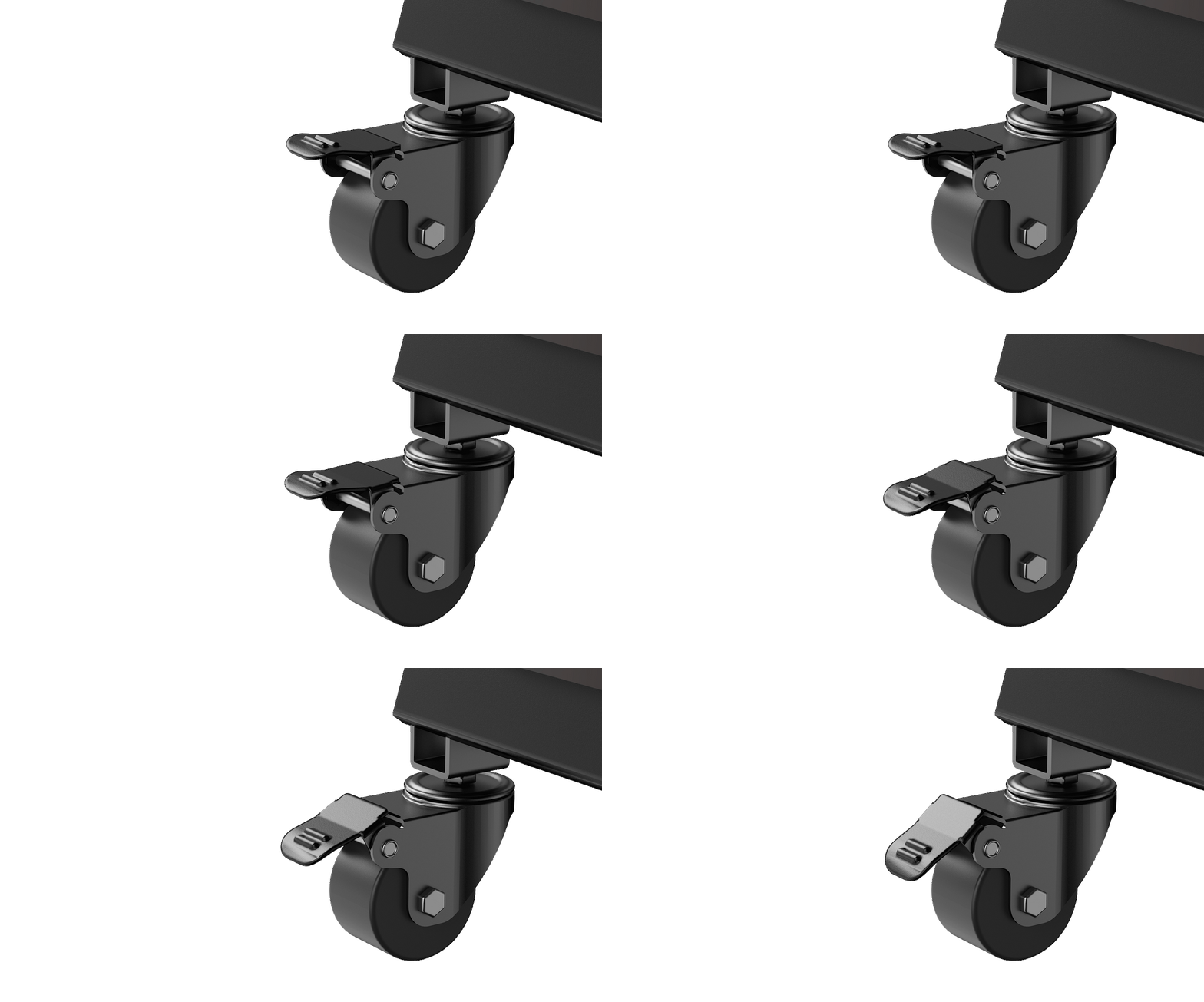

Dual Casters, Easy Move
Roll your TV where you need it, then lock the casters to keep it in place.

Built-In Cable Management
Route cables through the frame to keep wires organized and your setup tidy.

Adjustable TV Height
Choose from three height settings, spaced 1.97 inches apart, for a more comfortable view.

Soundbar Above or Below
Mount your soundbar above or below the TV to suit your setup and keep your entertainment area organized.

Your Choice: Feet or Wheels
Choose adjustable feet for a stationary setup or lockable casters to move your TV wherever you watch.
Will This TV Stand Fit My TV?


Sturdy Support

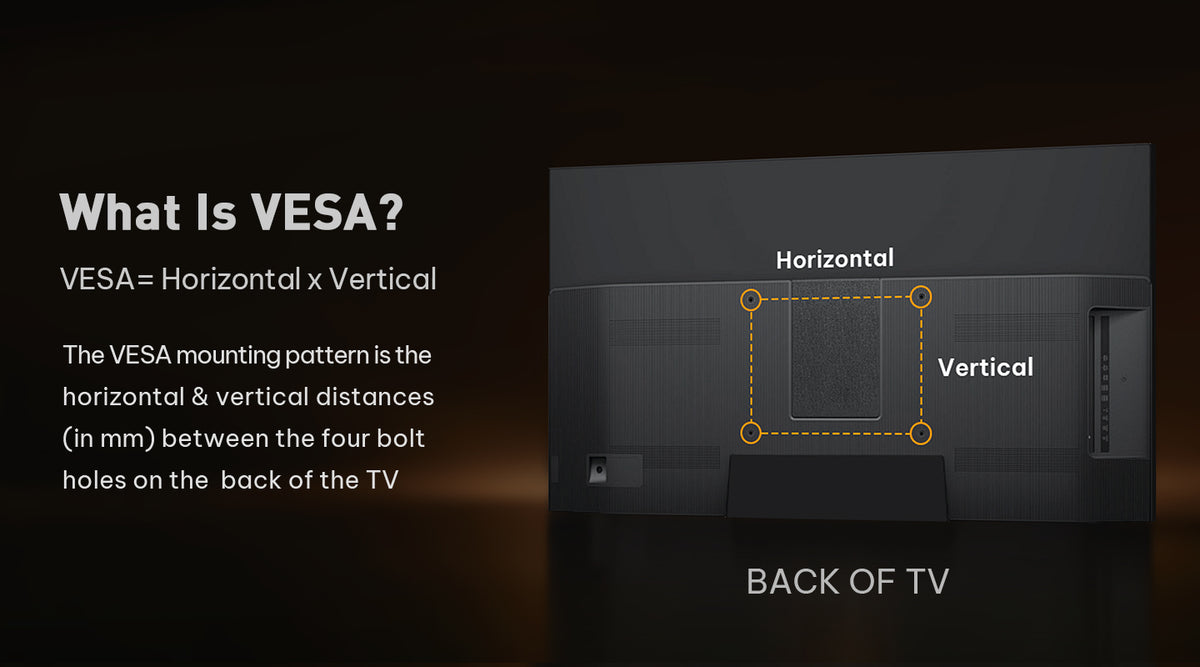
What Is VESA?

VESA Compatibility

Stand Dimensions


Have A Question?
If you still have questions, please contact us by email support@perlegear.com, we will reply you within 24 hours on working days.
Contact UsFirst, check whether the spacers are installed evenly between the TV and the brackets.
If the TV is still tilted forward or backward, you may need to adjust the screws and spacers on the upper or lower VESA holes.
Please refer to the instruction manual for your specific model before making adjustments.
Please remove the TV from the stand first and check whether both TV brackets are installed at the same height.
If needed, loosen the screws on the front support or support pillar, adjust the TV stand until it is level, and then tighten all screws securely.
We recommend having two people handle the TV during adjustment.
After the TV is installed, gently push the left or right side of the TV to adjust the swivel angle.
If the swivel feels too tight, check the swivel screw and loosen it slightly if needed.
Do not force the TV to swivel beyond the supported range listed in the product specifications.
Some Perlegear TV stands allow you to reduce or lock the swivel movement by tightening the screws or nuts around the front support or support pillar.
Please refer to your product manual for the exact locking or tightening points, as the structure may vary by model.
Make sure all screws and nuts are fully tightened before use.
Shot On Instagram


